
Performance Overview
Overview
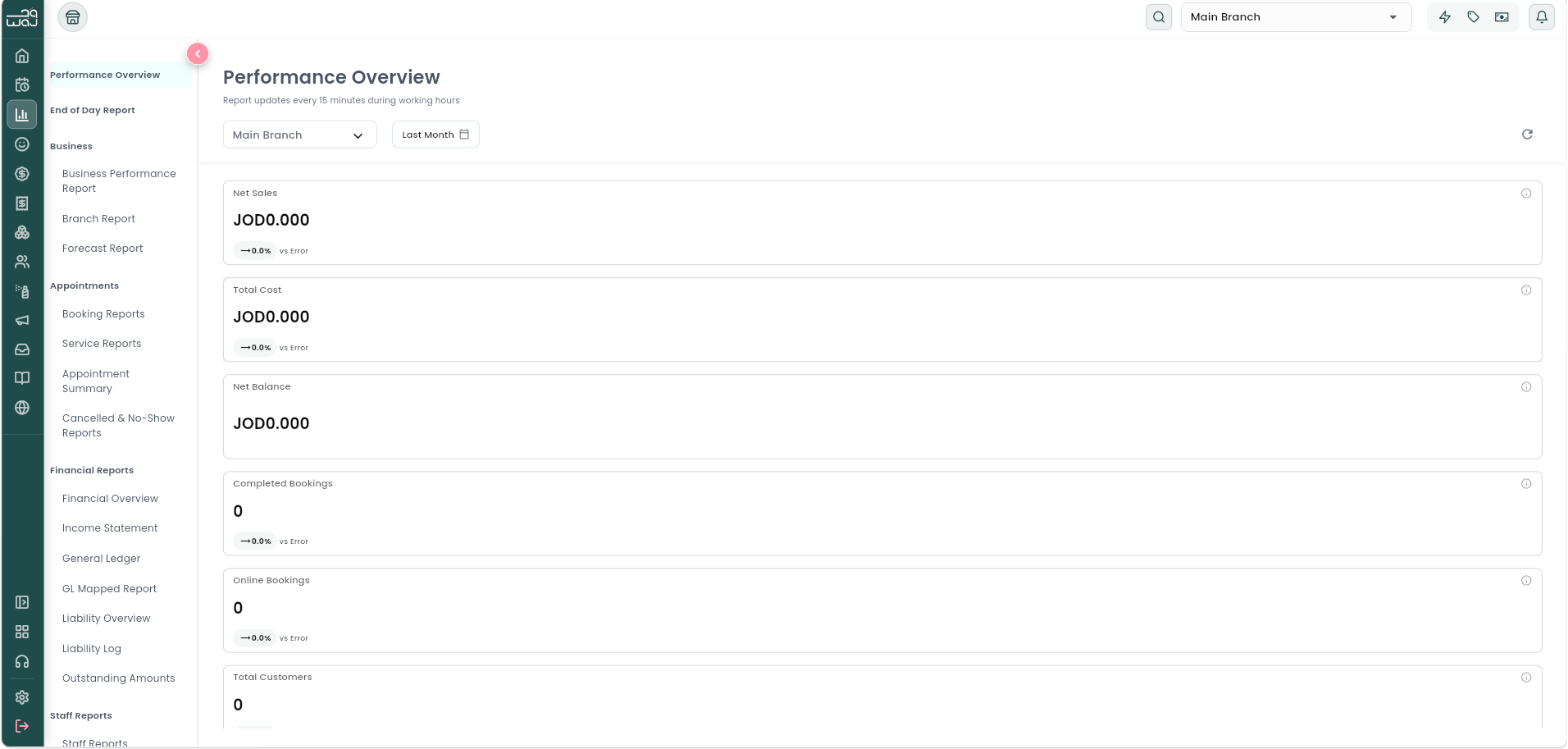
Performance Overview is your business's at-a-glance dashboard — the first thing you see when you open Reports. It refreshes automatically every 5 minutes (or tap the refresh icon to update it immediately). Each tile also shows a "since last period" comparison, and you can tap a tile for a tooltip that walks through the math.
Navigation: Reports → Performance Overview (first item, always visible).
Metrics shown
- Net Sales — Services + Products + Memberships revenue, minus discounts, for the selected period.
- Total Cost — Procurement (inventory) cost, staff payments, and business expenses added together for the period.
- Net Balance — Total Revenue minus Total Cost — what's left after all costs.
- Completed Bookings — appointments finished in the period (the tooltip also shows Cancelled and No-Show counts for context).
- Online Bookings — bookings your customers made themselves through your online booking page, versus those booked in-salon by staff.
- Total Registered Customers — everyone who has ever signed up, counted through the end of the selected period, whether or not they've ever been serviced.
- New Registered Customers — everyone who created an account during this period, again regardless of whether they've booked or visited yet.
- Utilization Rate — the share of staff working hours that were actually filled with booked appointments (Hours Booked ÷ Hours Worked — see the Staff Reports topic for exactly what counts as each).
Notes & limitations
The two client tiles here (Total Registered Customers and New Registered Customers) are registration-based counts, not visit-based — that's why they'll often differ from the Clients Report's client counts. See the Reports Overview topic for the full explanation of why client counts vary across reports.
Follow WAJ on Google
Add WAJ as a preferred source to see more of our articles in your Google Search results, marked with a "preferred" badge.