
Financial Reports
Overview
A dedicated accounting-style section under Reports → Financial Reports, useful for bookkeeping and working with an accountant: Financial Overview, Income Statement, General Ledger, GL Mapped Report, Liability Overview, Liability Log, Outstanding Amounts, and the GL Mappings settings screen.
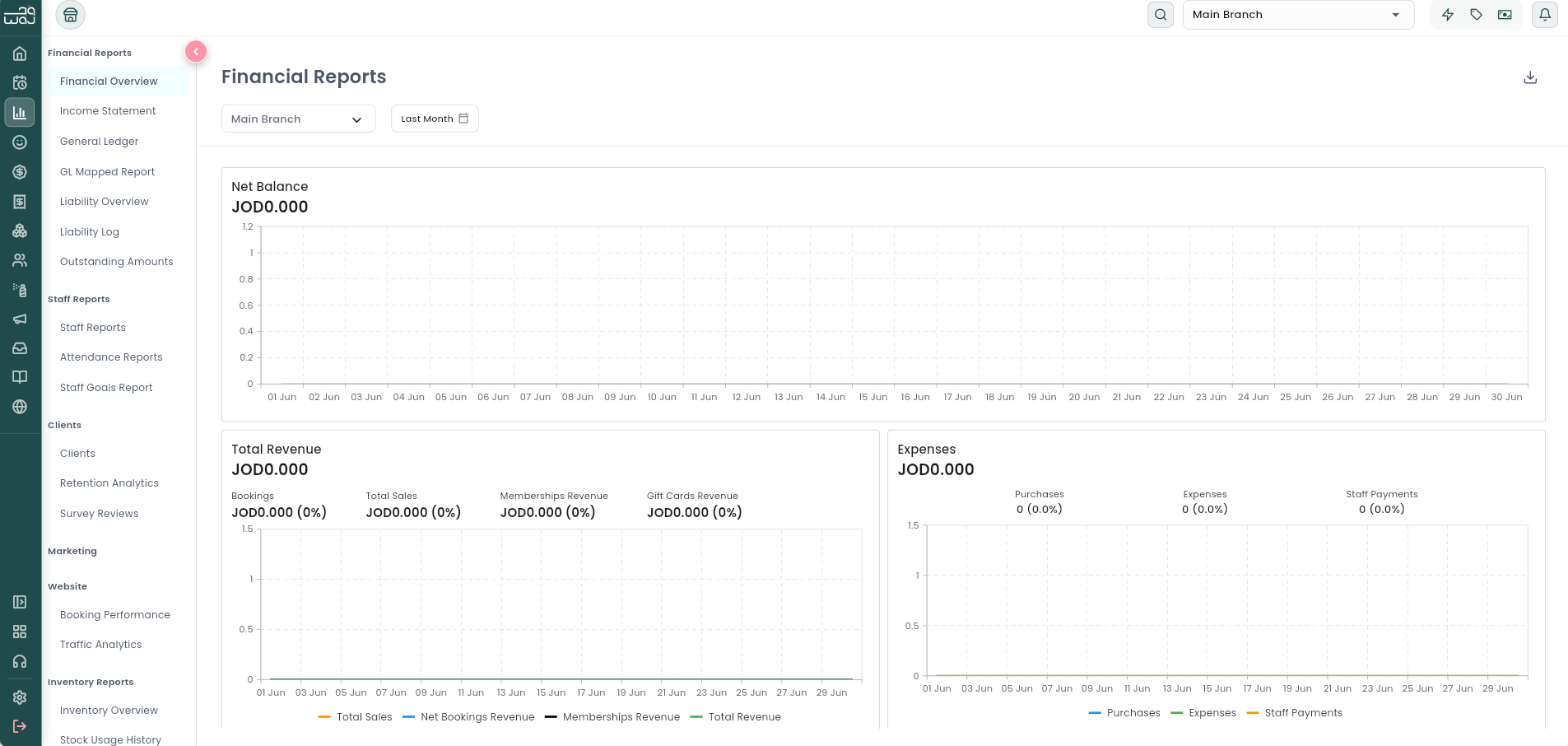
Financial Overview
What it is: A money-in / money-out summary for the period.
Navigation: Reports → Financial Reports → Financial Overview.
What it shows:
- Net Balance for the period.
- Revenue breakdown: Total Revenue, Discounts, Bookings Revenue, Product Sales Revenue, Memberships Revenue, Gift Cards Revenue — each further split by payment method.
- Expenses breakdown: Total Expenses, Staff Payments, Purchased Items (inventory) Cost.
- Tips received, split by payment method.
VAT and tips are always kept as their own separate line items here rather than folded into revenue — so "Revenue" reflects what you charged for services, products, memberships, and gift cards, before tax and before tips are added on top.
Income Statement
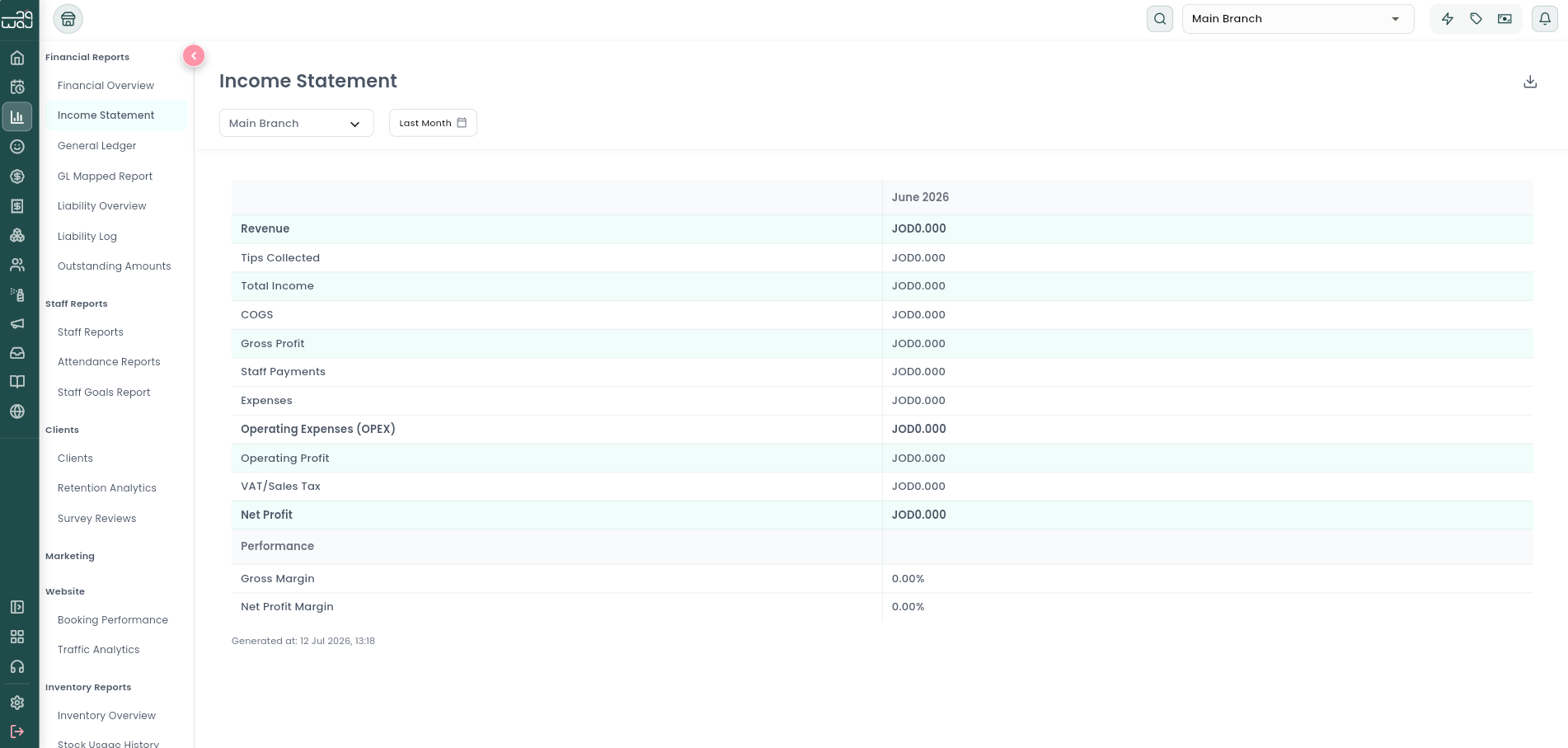
What it is: A simplified profit-and-loss (P&L) statement for your business — the "gross vs. net" view accountants look for.
Navigation: Reports → Financial Reports → Income Statement.
The P&L hierarchy shown:
- Revenue (total money taken in)
- minus Tips → Total Income
- minus COGS (Cost of Goods Sold — your inventory/product cost, if your business has this setting enabled) → Gross Profit
- minus Staff Payments and Expenses (together, "Operating Expenses," if enabled) → Operating Profit
- minus VAT → Net Profit
- Plus two ratios: Gross Profit Margin % and Net Profit Margin % (each profit figure as a percentage of Revenue).
Whether COGS and Operating Expenses are included in this statement is controlled by your business's accounting settings (ask your accountant which setup is right for you). Exportable as PDF or a spreadsheet.
General Ledger
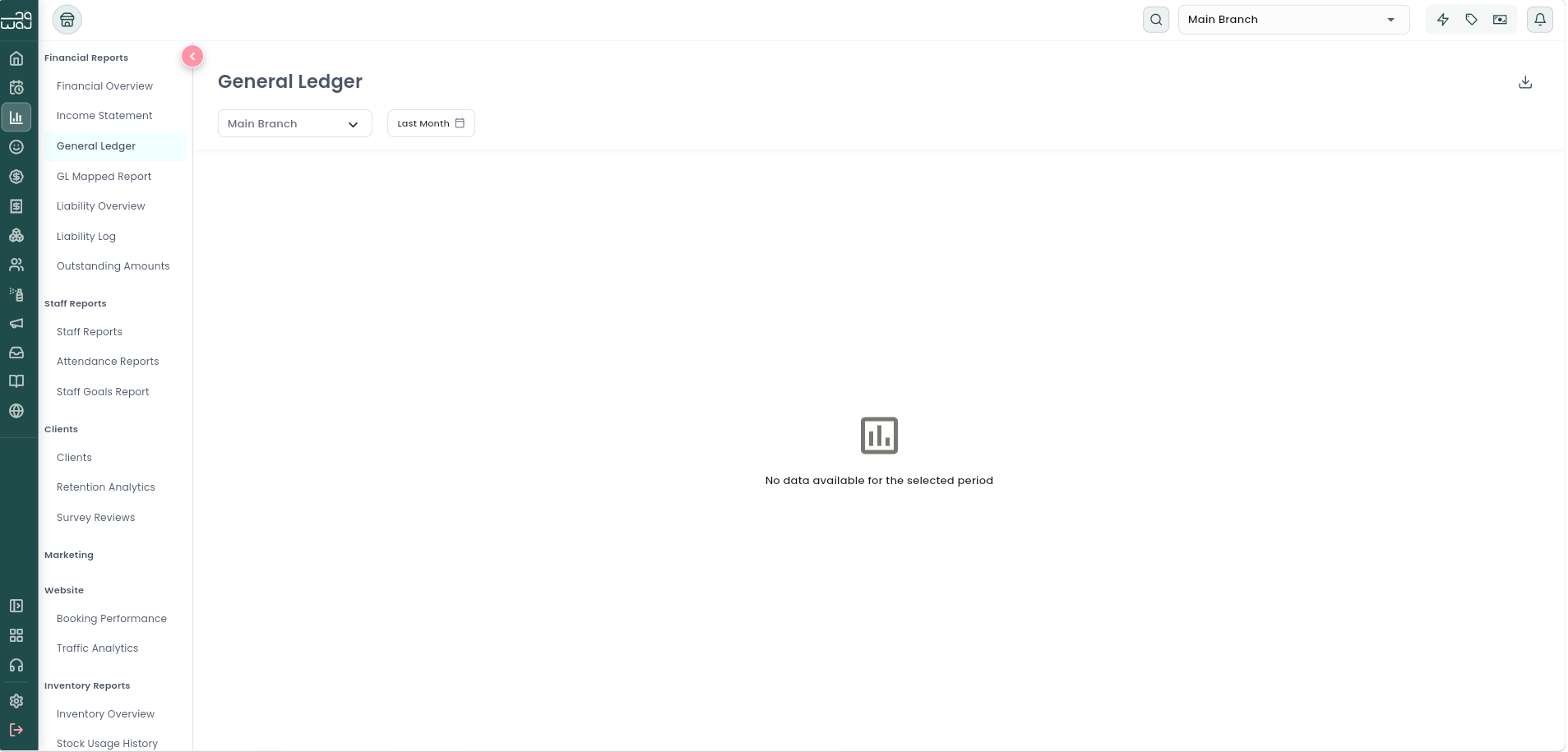
What it is: A detailed accounting ledger of every financial transaction type in the period, grouped by account type and name — the level of detail an accountant needs for a books close.
Navigation: Reports → Financial Reports → General Ledger.
What it shows: For each account: transaction Count, Gross amount, Discount amount, Net amount, Debit, and Credit.
GL Mapped Report
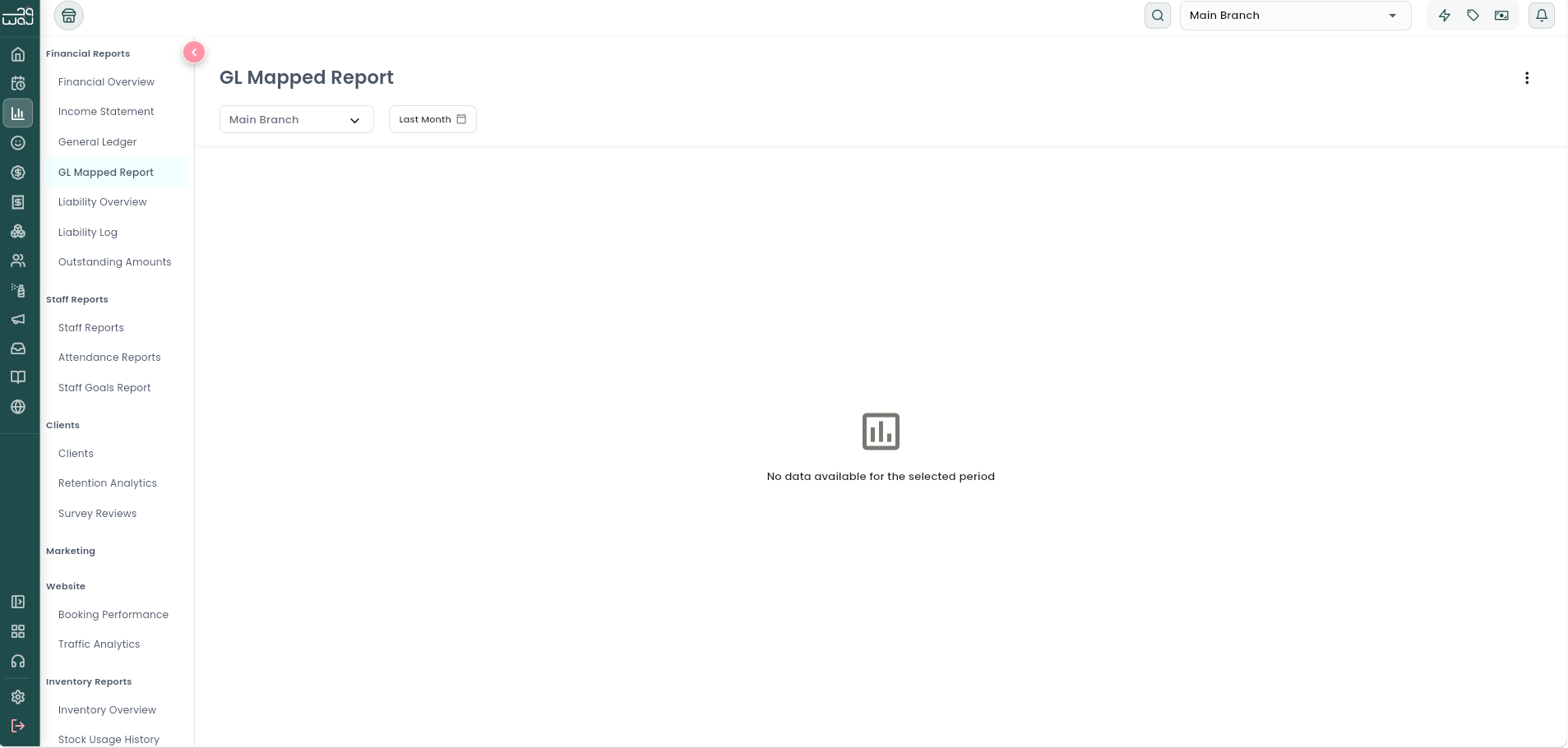
What it is: The same ledger detail as General Ledger, but mapped onto your own chart-of-accounts codes (see GL Mappings below) — so the export lines up with your accounting system.
Navigation: Reports → Financial Reports → GL Mapped Report.
What it shows: Account Code, Description, Type, Record ID, Count, Gross, Discount, Net, Debit, Credit — per mapped account.
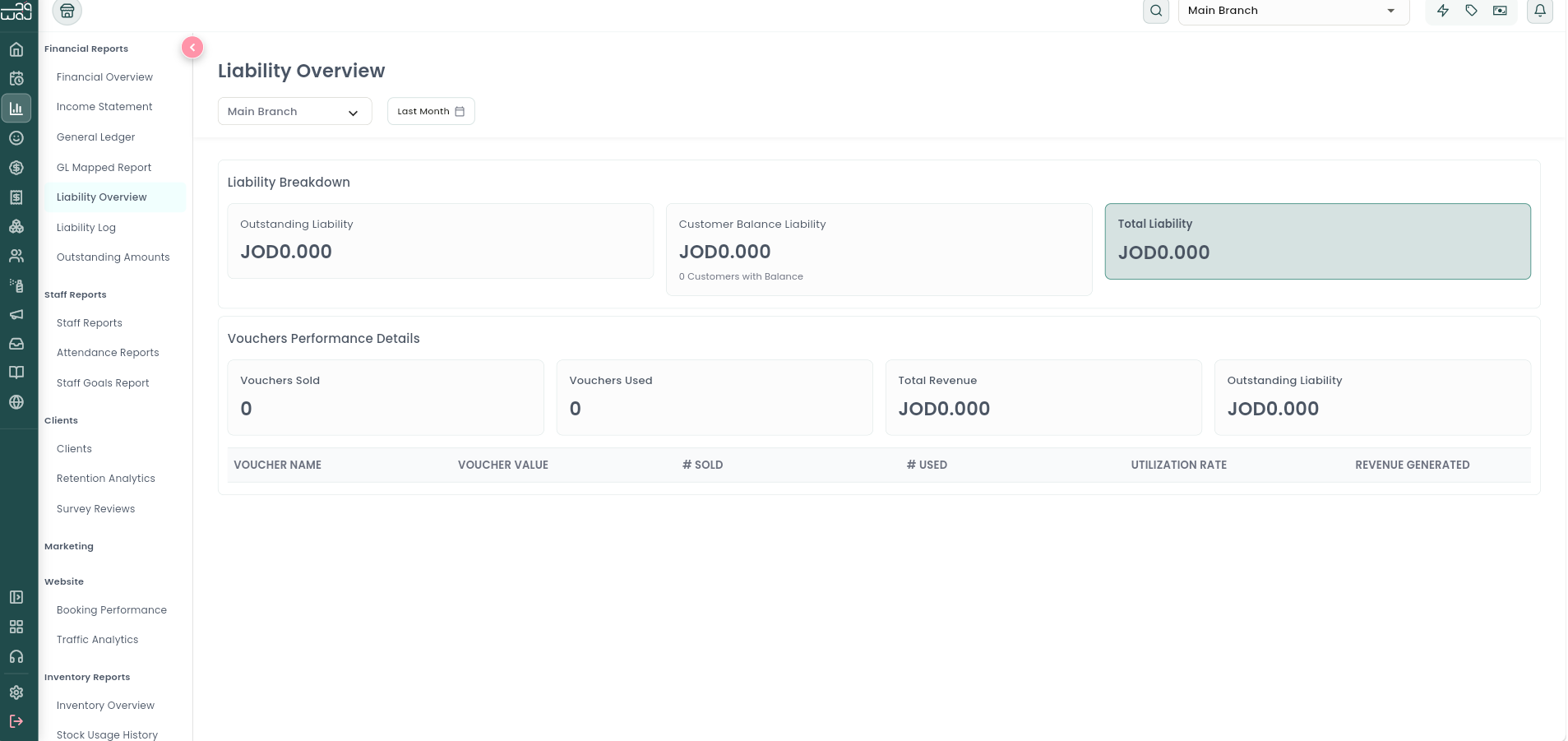
Liability Overview
What it is: How much money your business currently "owes" customers in the form of unspent gift card balances and customer account credit — money you've already been paid but haven't yet delivered goods or services for.
Navigation: Reports → Financial Reports → Liability Overview.
What it shows: Gift Voucher Liability (unredeemed value), Customer Balance Liability (store-credit balances), number of Customers With Balance, and a Gift Vouchers breakdown: Total Sold, Total Used, Total Revenue, Total Outstanding Liability.
Until a customer actually redeems a gift card or spends their balance, that money sits here as a liability rather than as revenue — this is standard accounting practice, and it's why these figures live in Financial Reports rather than in the Sales Hierarchy.
Liability Log
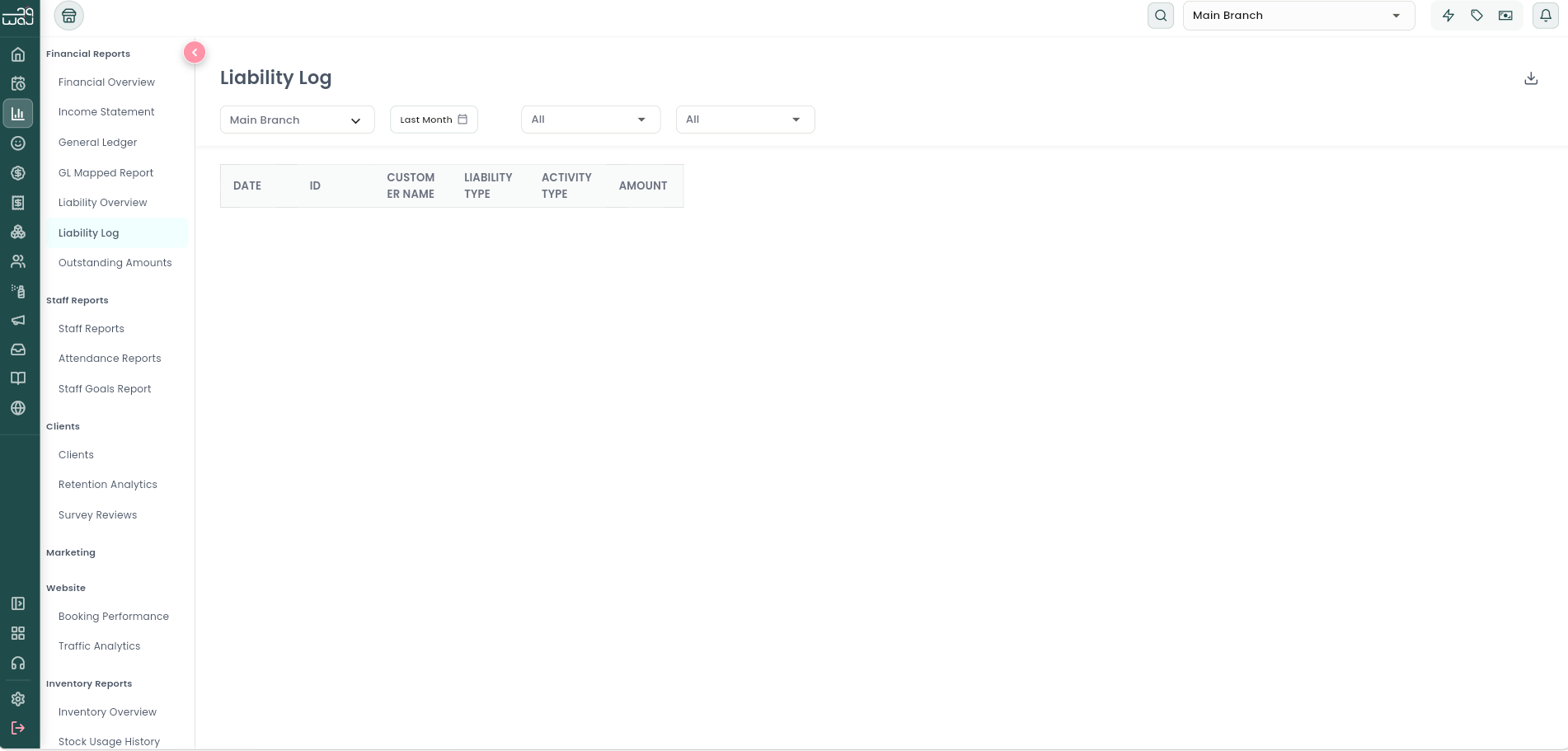
What it is: A transaction-level history of every liability event — every time a gift card or customer balance was created, topped up, or redeemed.
Navigation: Reports → Financial Reports → Liability Log.
Columns: Date, ID, Customer Name, Liability Type, Activity Type, Amount.
Liability Type covers gift cards, customer account balance, and deposits taken against a future sale. Activity Type shows whether money came in (a gift card purchase, a balance top-up, or a deposit) or went out (a redemption, a balance spend, or an expiration). Deposits themselves have no fixed or required percentage in WAJ — you and your staff decide how much to collect upfront, and whatever amount is entered at checkout is what gets recorded.
Outstanding Amounts
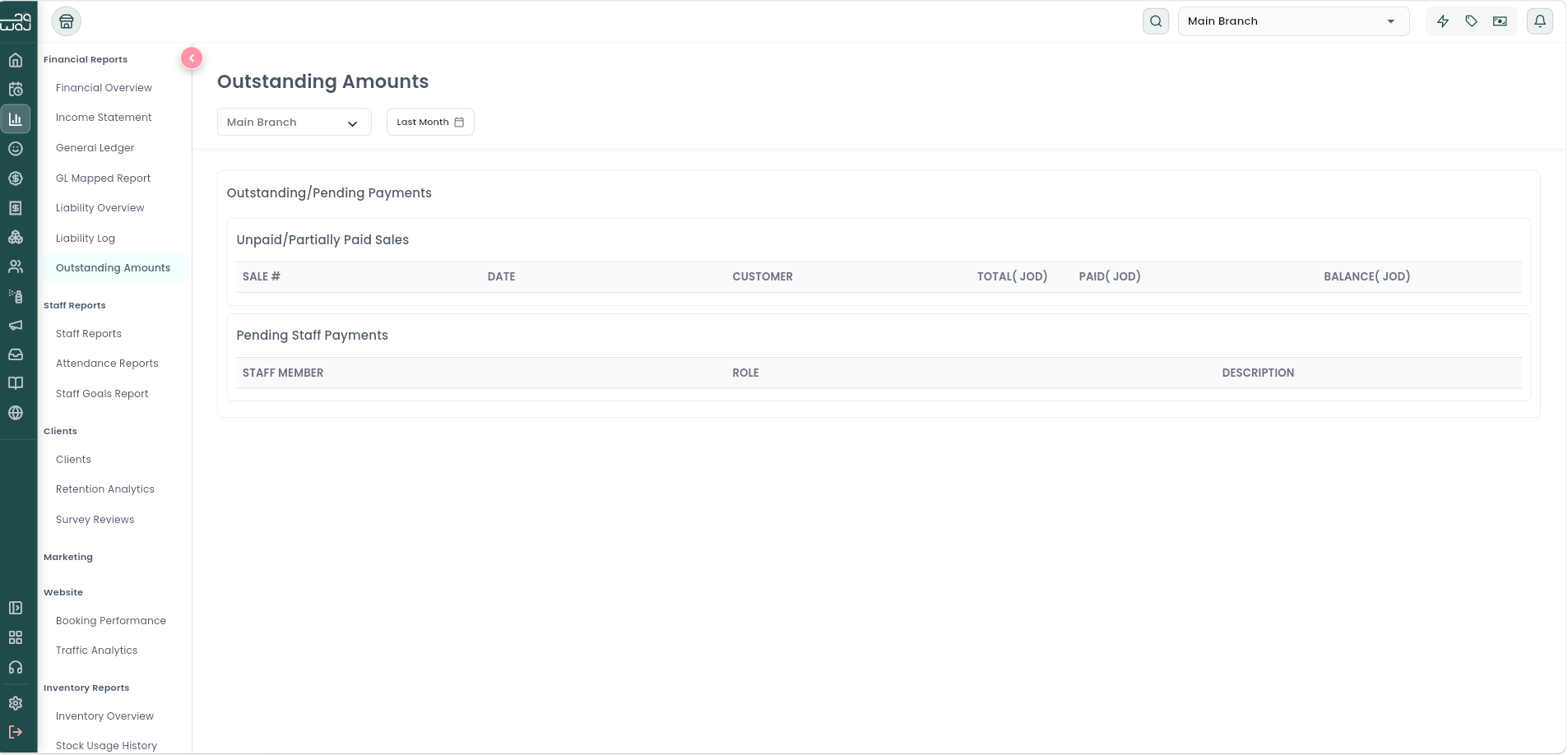
What it is: Money that's still owed — either by customers to you, or by you to your staff.
Navigation: Reports → Financial Reports → Outstanding Amounts.
What it shows:
- Net Outstanding total.
- Unpaid / Partially Paid Sales — customer invoices not fully settled.
- Pending Staff Payments — staff earnings and commission that have been calculated but not yet marked as paid out (this is the same "Pending" figure you'll see in the Payroll section of Staff Reports).
GL Mappings
A settings screen (reached from Financial Reports) where you map WAJ's internal transaction categories onto your own accounting chart-of-accounts codes. You can view and create mappings, see which transaction types are still unmapped, and sync your mappings. This is what powers the GL Mapped Report above.
Notes & limitations
See the Sales Hierarchy topic for how Gross Sales, Net Sales, and Gross Income are built from the underlying transactions that feed these reports, and how refunds vs. voids affect them differently.
Follow WAJ on Google
Add WAJ as a preferred source to see more of our articles in your Google Search results, marked with a "preferred" badge.