
Inventory Reports
Overview
Five reports under Reports → Inventory Reports for tracking stock: Inventory Overview, Stock Usage History, Categories Summary, Daily Inventory Log, and Products Used in Services.
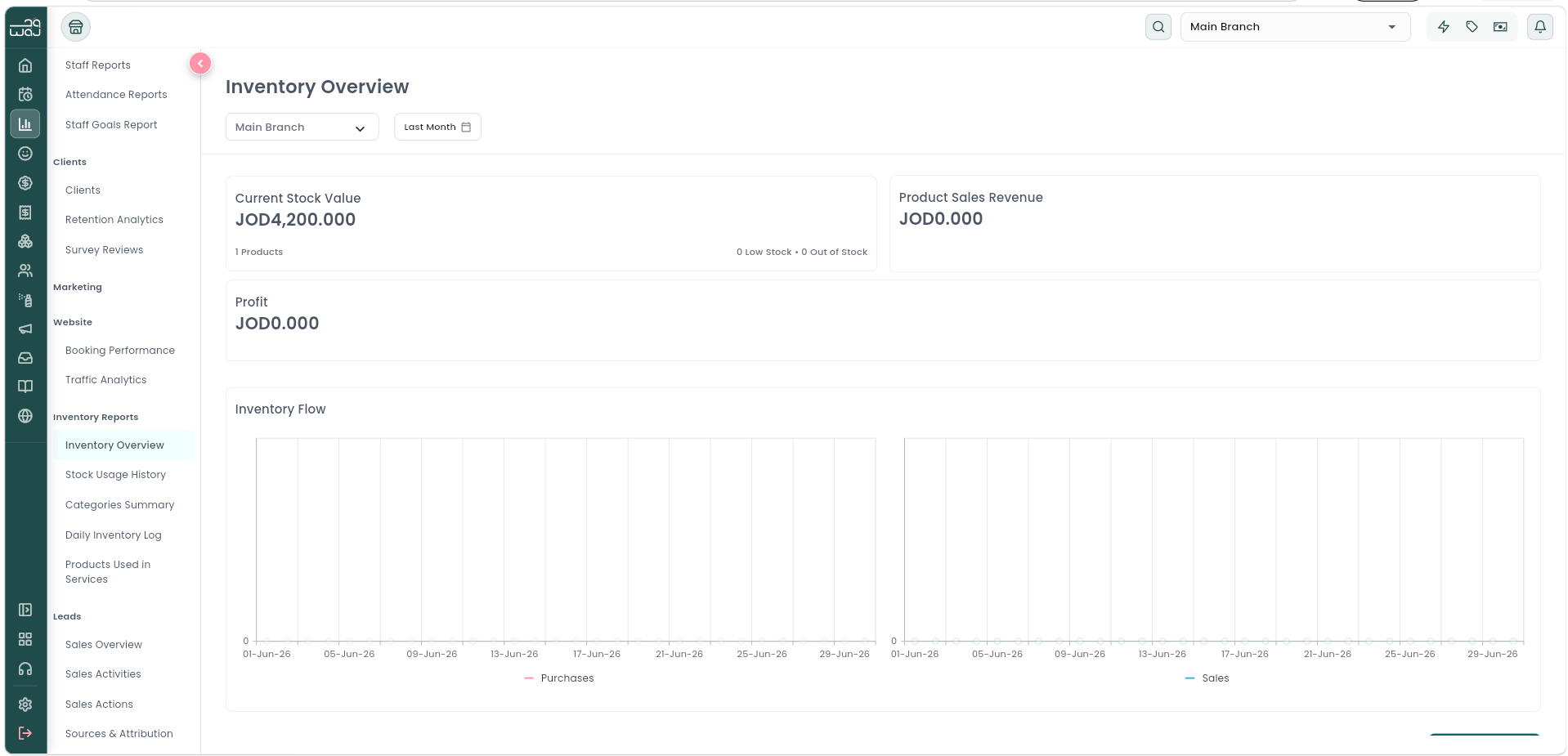
Inventory Overview
Navigation: Reports → Inventory Reports → Inventory Overview.
Metrics: Current Stock Value, Products Count, Low-Stock and Out-of-Stock counts, Product Sales Revenue, Profit, an Inventory Flow chart (stock movement over time), and a Stock Items list.
Stock Usage History
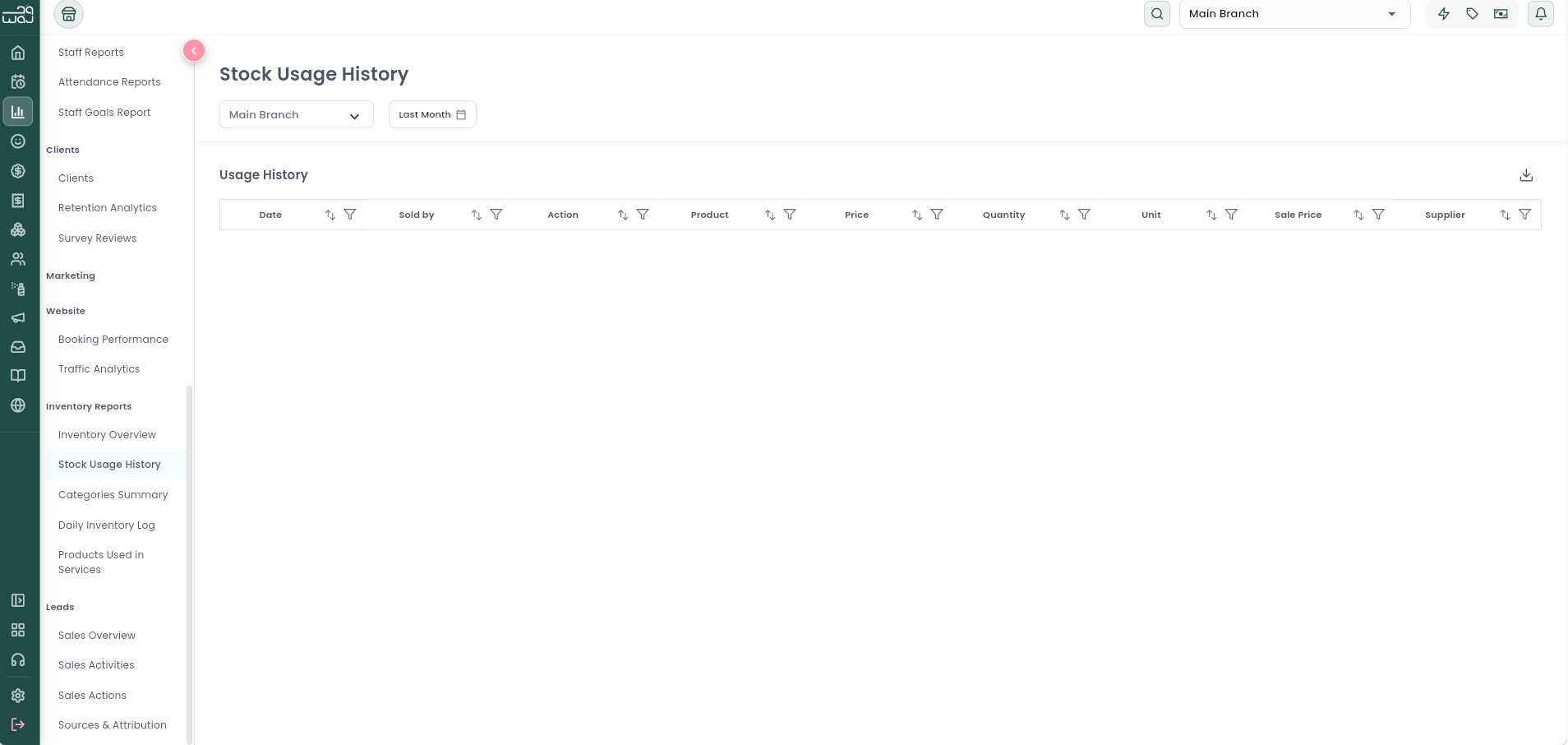
Navigation: Reports → Inventory Reports → Stock Usage History.
What it shows: A table logging every product-usage event (stock consumed) over the period.
Categories Summary
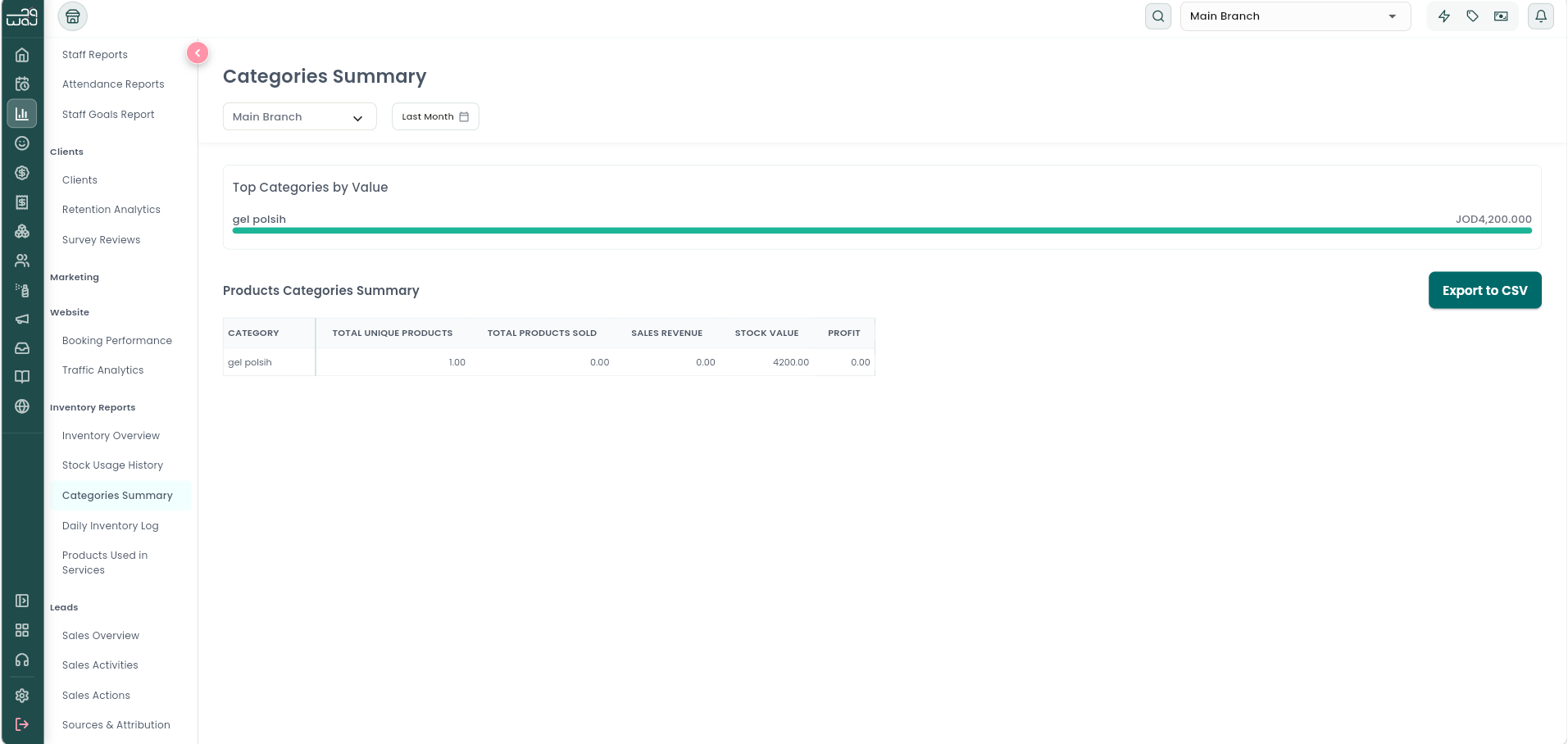
Navigation: Reports → Inventory Reports → Categories Summary.
What it shows: Top Categories by Value, and a full products-by-category summary.
Daily Inventory Log
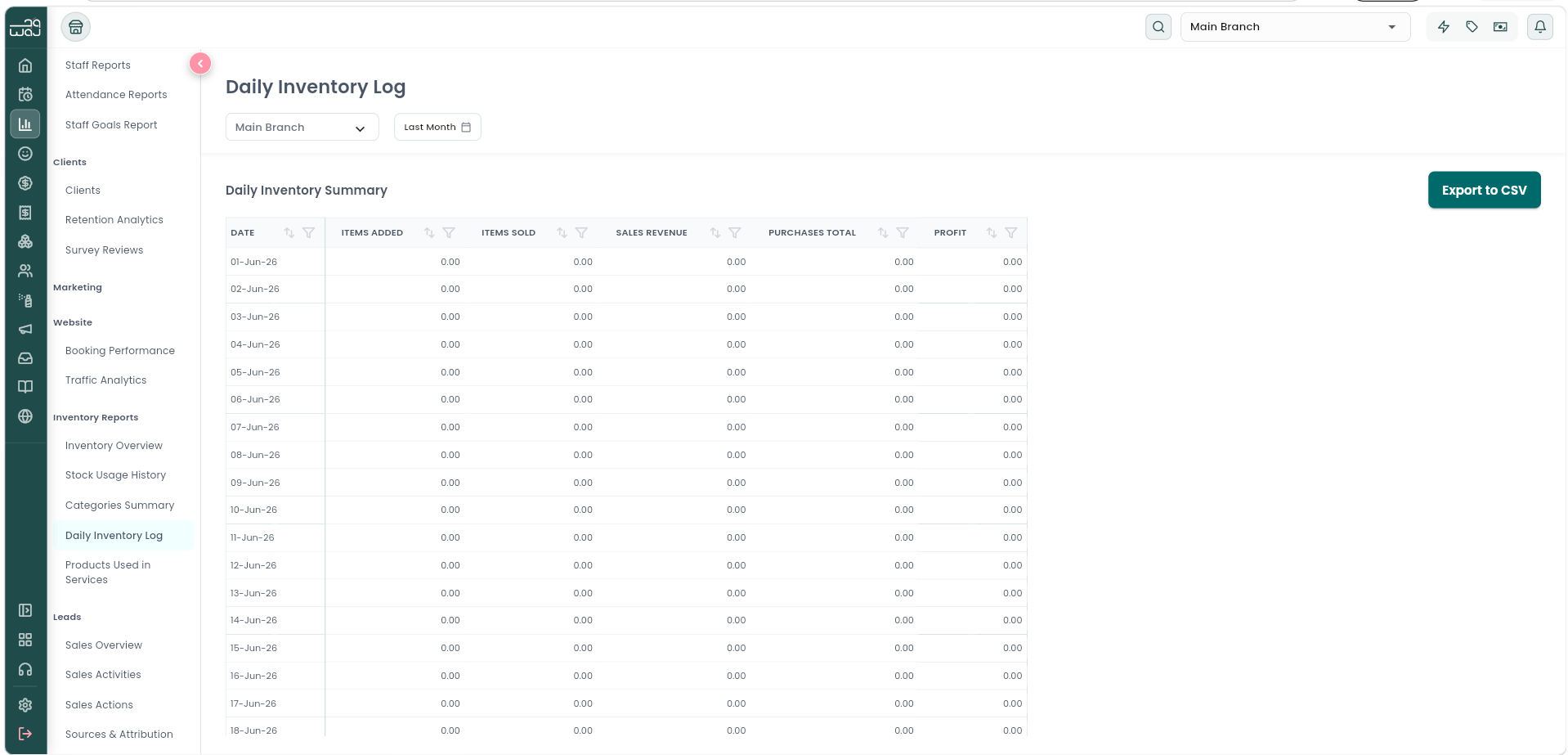
Navigation: Reports → Inventory Reports → Daily Inventory Log.
What it shows: A day-by-day summary of inventory movement.
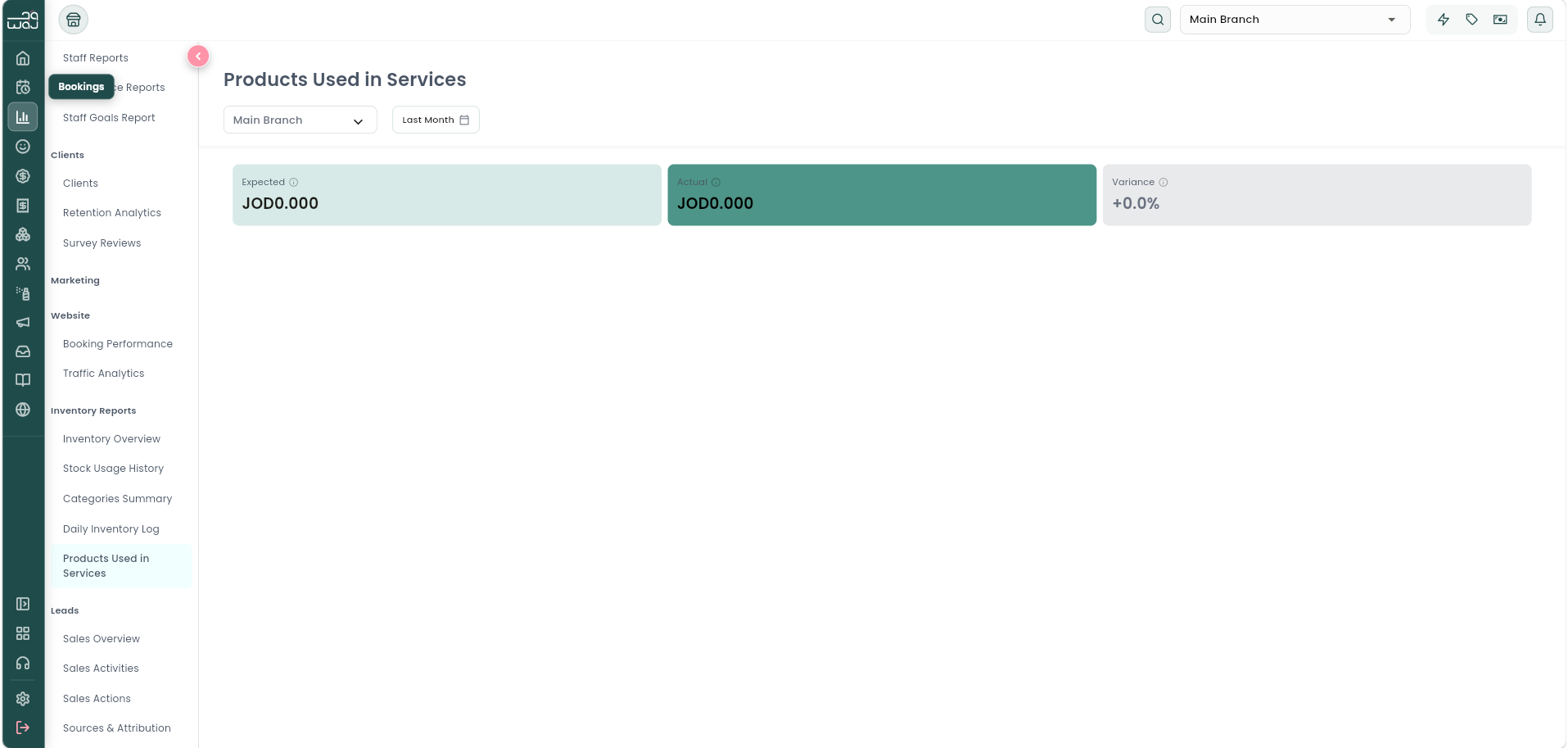
Products Used in Services
What it is: Compares how much product a service is expected to use (its recipe/formula) against how much was actually used at checkout — useful for spotting waste, over-pouring, or theft.
Navigation: Reports → Inventory Reports → Products Used in Services.
What it shows: For each service — Expected cost, Actual cost, and Variance (flagged as Over Expected / Under Expected / On Target); a Service Breakdown by execution count; and a Top Consumed Products table (Product, Uses, Total Cost).
Follow WAJ on Google
Add WAJ as a preferred source to see more of our articles in your Google Search results, marked with a "preferred" badge.