
Appointments Reports
Overview
Four reports under Reports → Appointments about bookings and the services delivered: Booking Reports, Service Reports, Appointment Summary, and Cancelled & No-Show Reports.
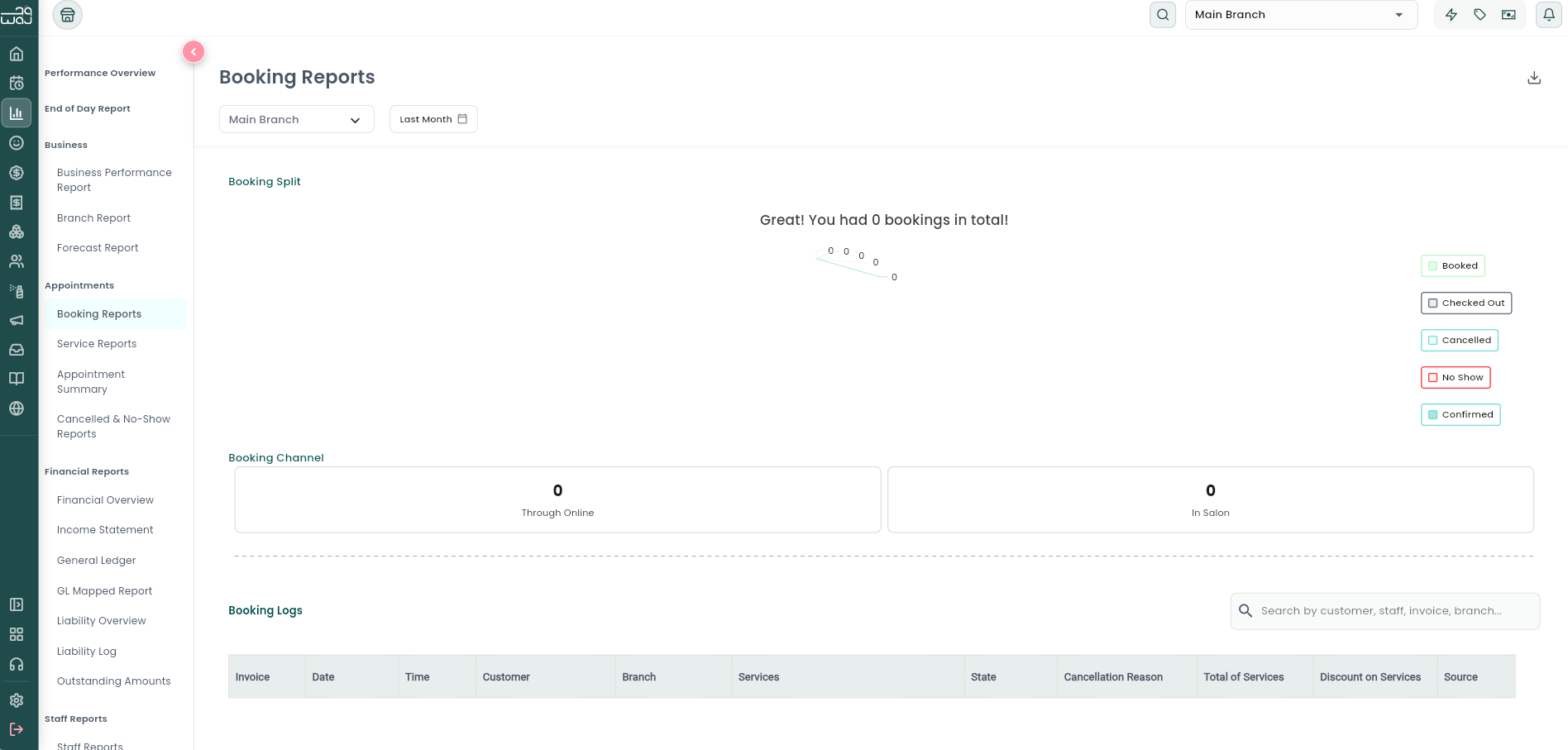
Booking Reports
What it is: A breakdown of how bookings came in, and a searchable log of every individual booking.
Navigation: Reports → Appointments → Booking Reports.
What it shows:
- A pie chart splitting bookings by outcome (e.g. completed / cancelled / no-show).
- Booking Channel — Through Online vs. In-Salon counts.
- Booking Logs — a searchable, paginated table of every booking: invoice number, date/time, customer, branch, services, staff, status, cancellation reason (if any), services total, discount, and source (Online/Local). Exportable.
Service Reports
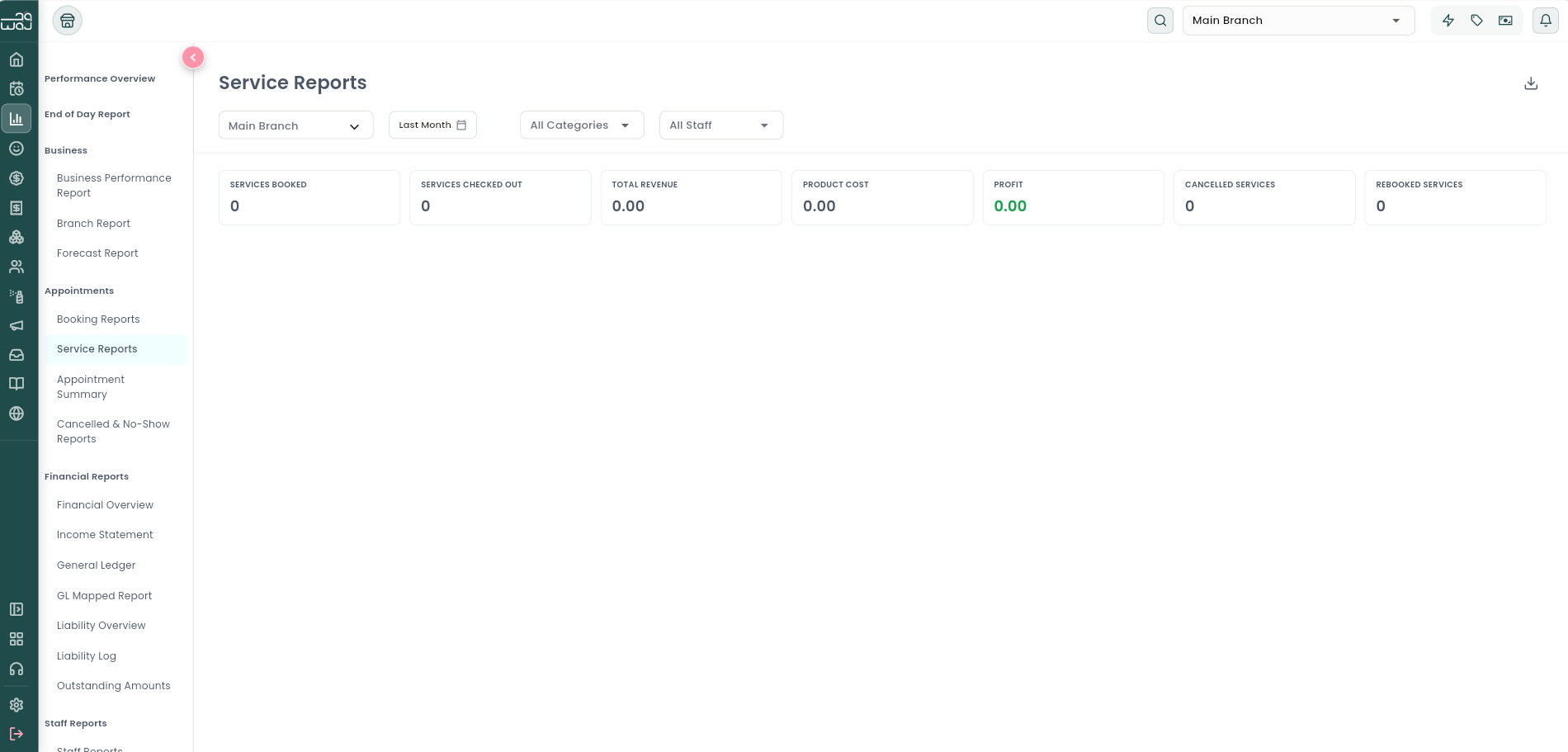
What it is: Performance of your individual services and service categories.
Navigation: Reports → Appointments → Service Reports.
How to use it: Filter by category and/or staff member.
Metrics: Booked, Checked Out, Cancelled, and Rebooked counts; Revenue, Product Cost, and Profit — shown both as business-wide summary tiles and broken down per service/category in a detailed table with: Total Bookings, Online Bookings, Cancelled Bookings, Duration, Total Revenue, Discount Amount, Product Cost, Profit, Unique Clients, and Rebooking count.
Appointment Summary
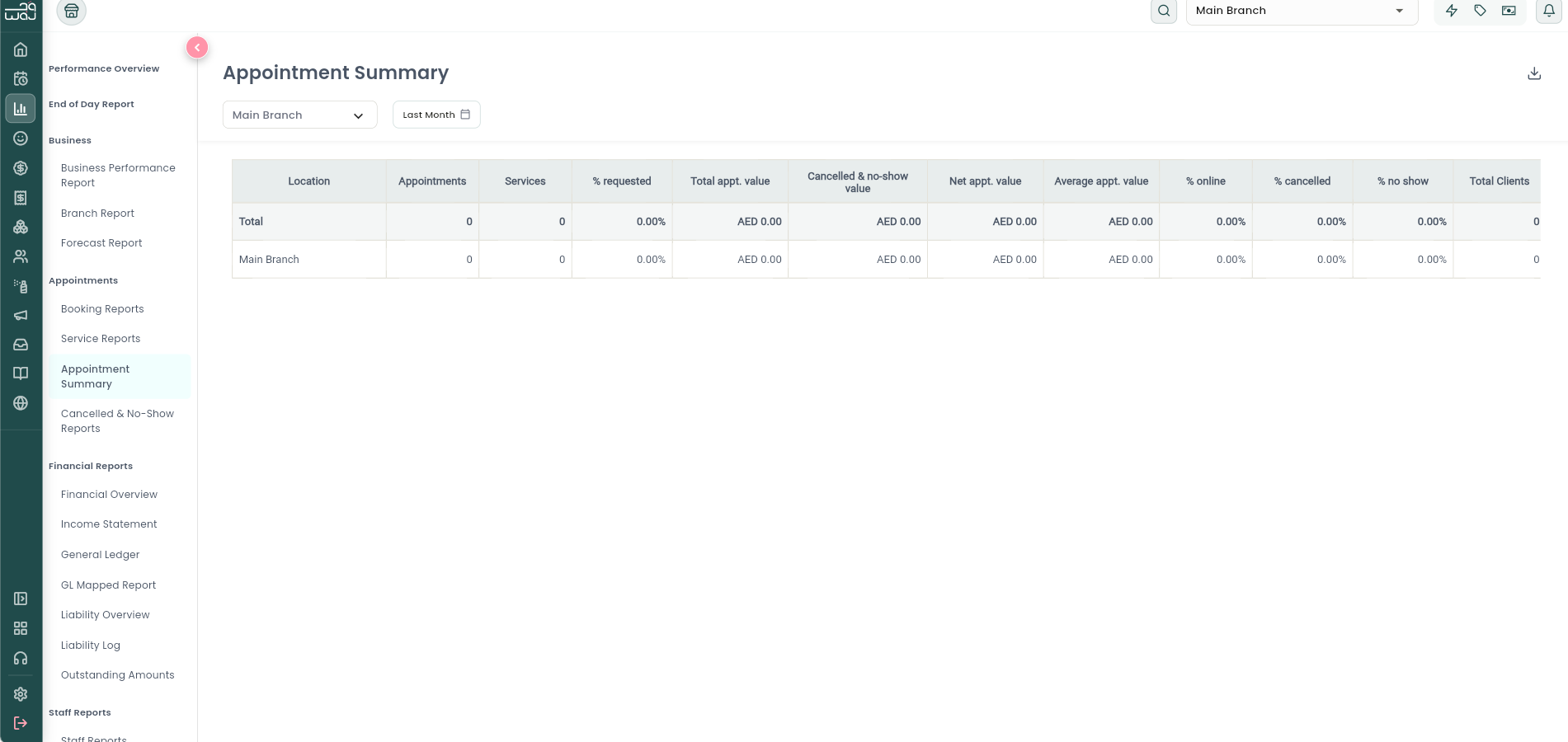
What it is: A single condensed table comparing appointment performance across all your branches for the selected period, with a grand total row.
Navigation: Reports → Appointments → Appointment Summary.
Metrics per branch (and total): Appointments, Services, % Requested (specific staff requested by name), Total Appointment Value, Cancelled/No-show Appointment Value, Net Appointment Value, Average Appointment Value, % Online, % Cancelled, % No-Show, Total Clients, New Clients, % New Clients, % Returning Clients. Exportable.
Cancelled & No-Show Reports
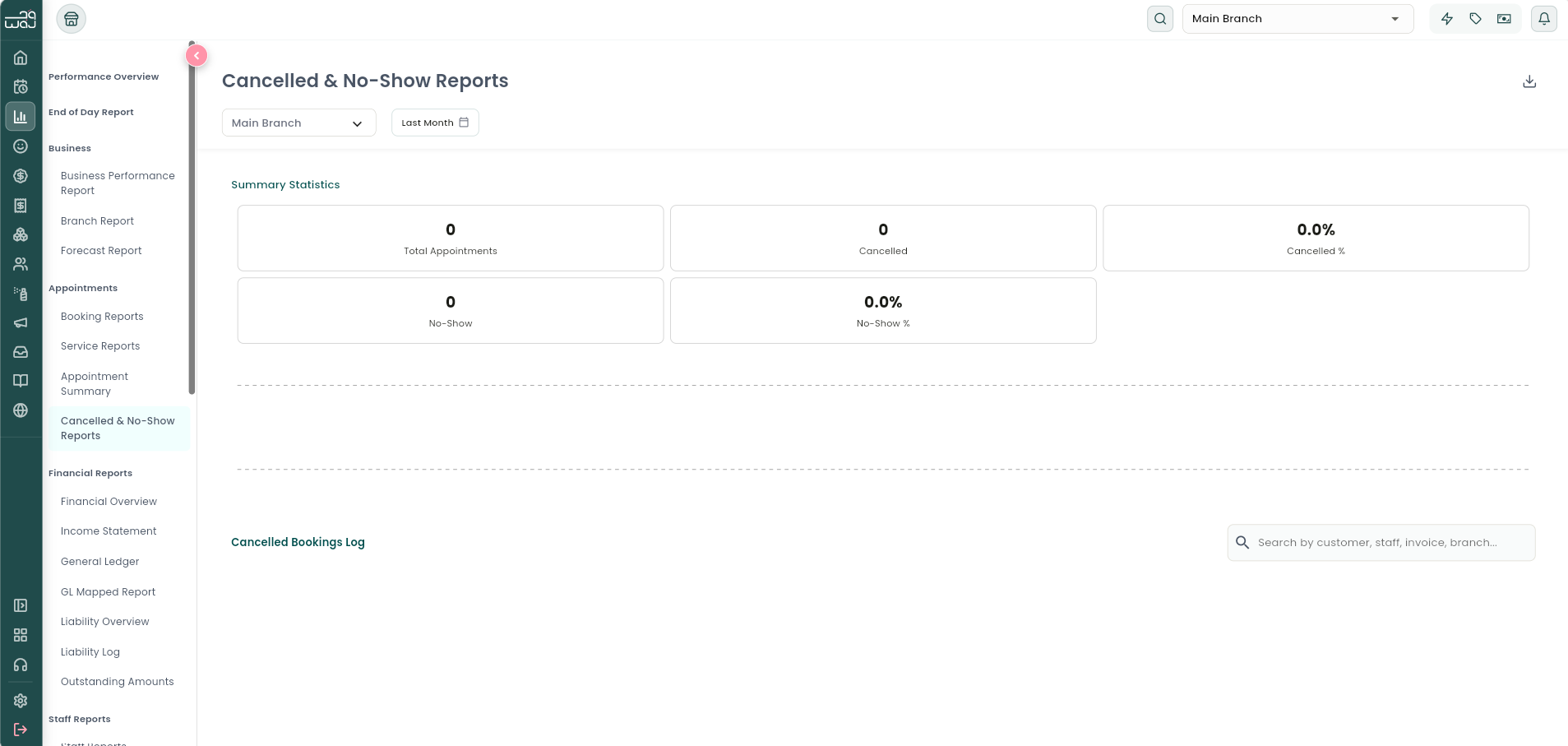
What it is: A closer look at lost appointments — why they were lost and which ones.
Navigation: Reports → Appointments → Cancelled & No-Show Reports.
What it shows: Summary cards (Total Appointments, Cancelled Count/%, No-Show Count/%), a pie chart of cancellation reasons, and a searchable log of every cancelled booking (with cancellation reason, customer, staff, services, value). Exportable.
Two things worth knowing about how these get logged:
- No-Show is always a manual call. A staff member marks an appointment as a no-show after the fact — WAJ doesn't detect or apply no-shows on its own.
- Unconfirmed online bookings cancel themselves. If a customer starts an online booking but never confirms it, WAJ automatically cancels it after about 30 minutes. You may see these appear in your cancellation log as an unconfirmed/expired booking rather than something a customer actively cancelled.
Follow WAJ on Google
Add WAJ as a preferred source to see more of our articles in your Google Search results, marked with a "preferred" badge.