
Business Reports (Performance, Branch Comparison, Forecast)
Overview
Three reports under Reports → Business, focused on business- and branch-level financial performance over time: Business Performance Report, Branch Report (Branch Comparison), and Forecast Report.
Business Performance Report
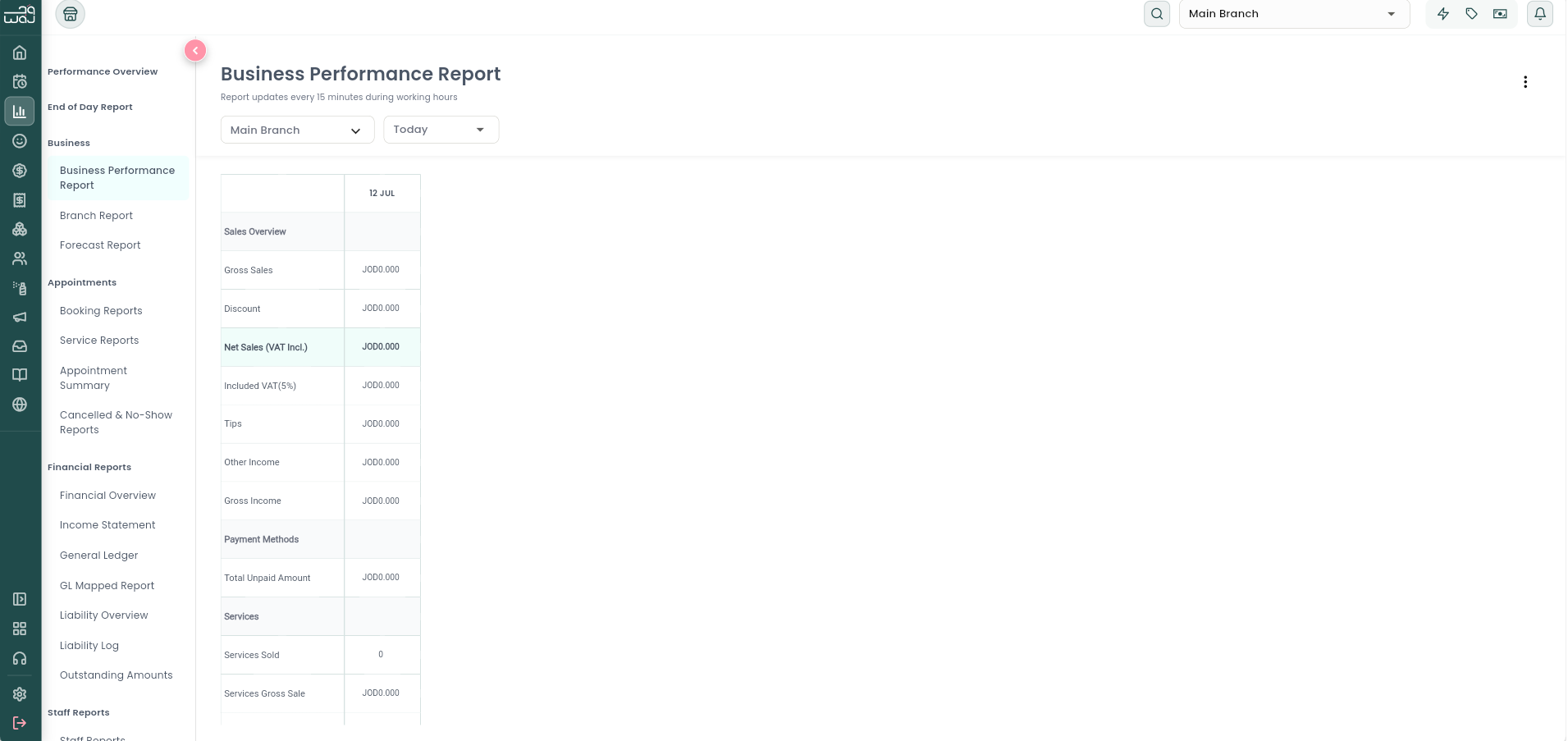
What it is: The same Sales Hierarchy breakdown as the End of Day Report, but as a spreadsheet-style table across a date range you choose, so you can compare day-by-day (or week-by-week, or month-by-month) trends.
Navigation: Reports → Business → Business Performance Report.
How to use it: Choose a branch, a time period (Today / This Week / Last Week / This Month / Last Month / This Year / Last Year / Custom), and a granularity (Daily, Weekly, or Monthly) for how the columns are grouped. Export to CSV/Excel/PDF.
Branch Report (Branch Comparison)
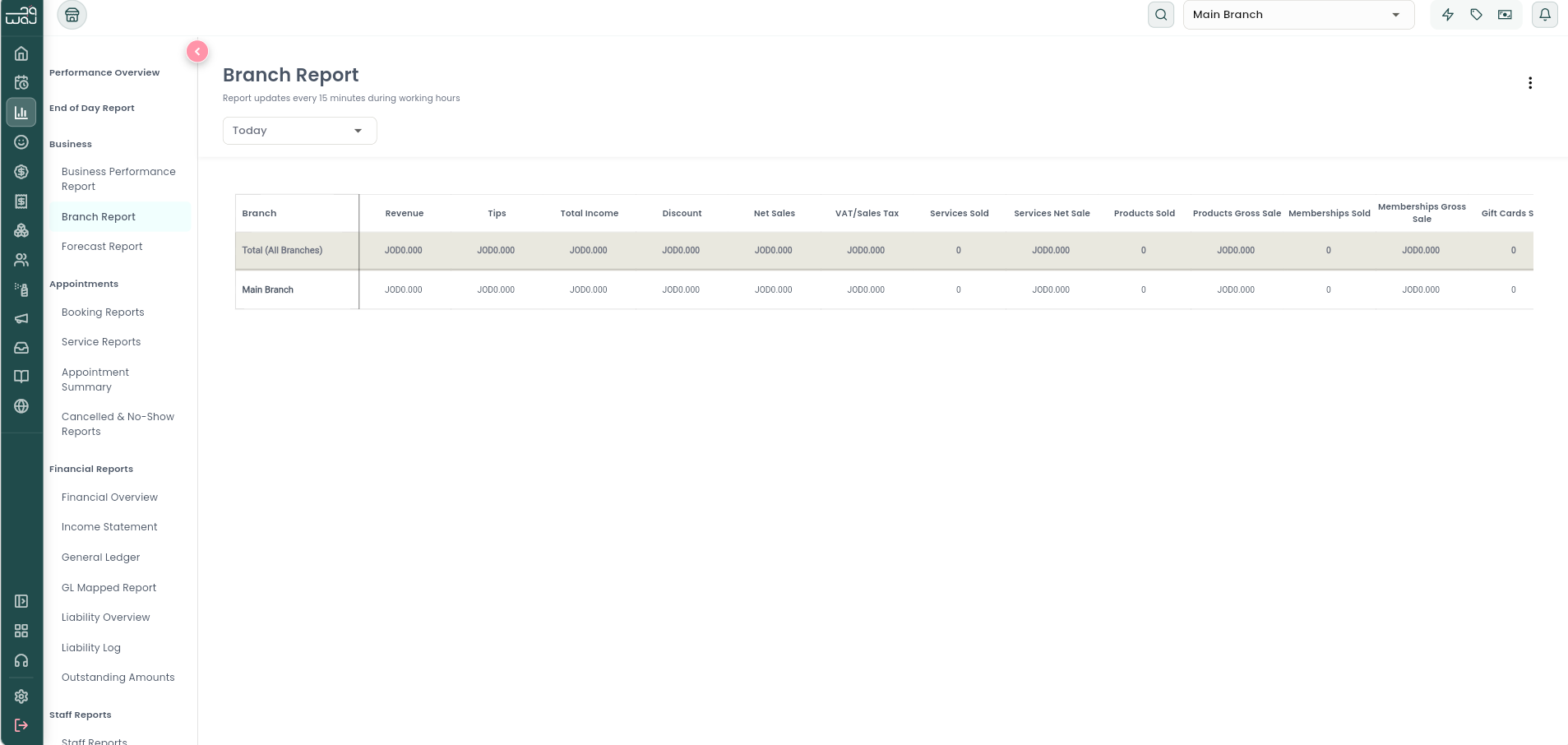
What it is: Puts all of your branches side-by-side for the same period, so you can see at a glance which branch is performing best.
Navigation: Reports → Business → Branch Report.
Metrics per branch: Total Revenue, Tips, Total Income, Discount, Net Sales, VAT/Sales Tax, Services Sold (count + net value), Products Sold (count + value), Memberships Sold (count + value), Gift Cards Sold (count + value), a column per payment method, and New/Returning/Total Serviced client counts (transaction-based — same definition as the End of Day Report). A "Total (All Branches)" row is pinned at the top for a business-wide summary.
Forecast Report
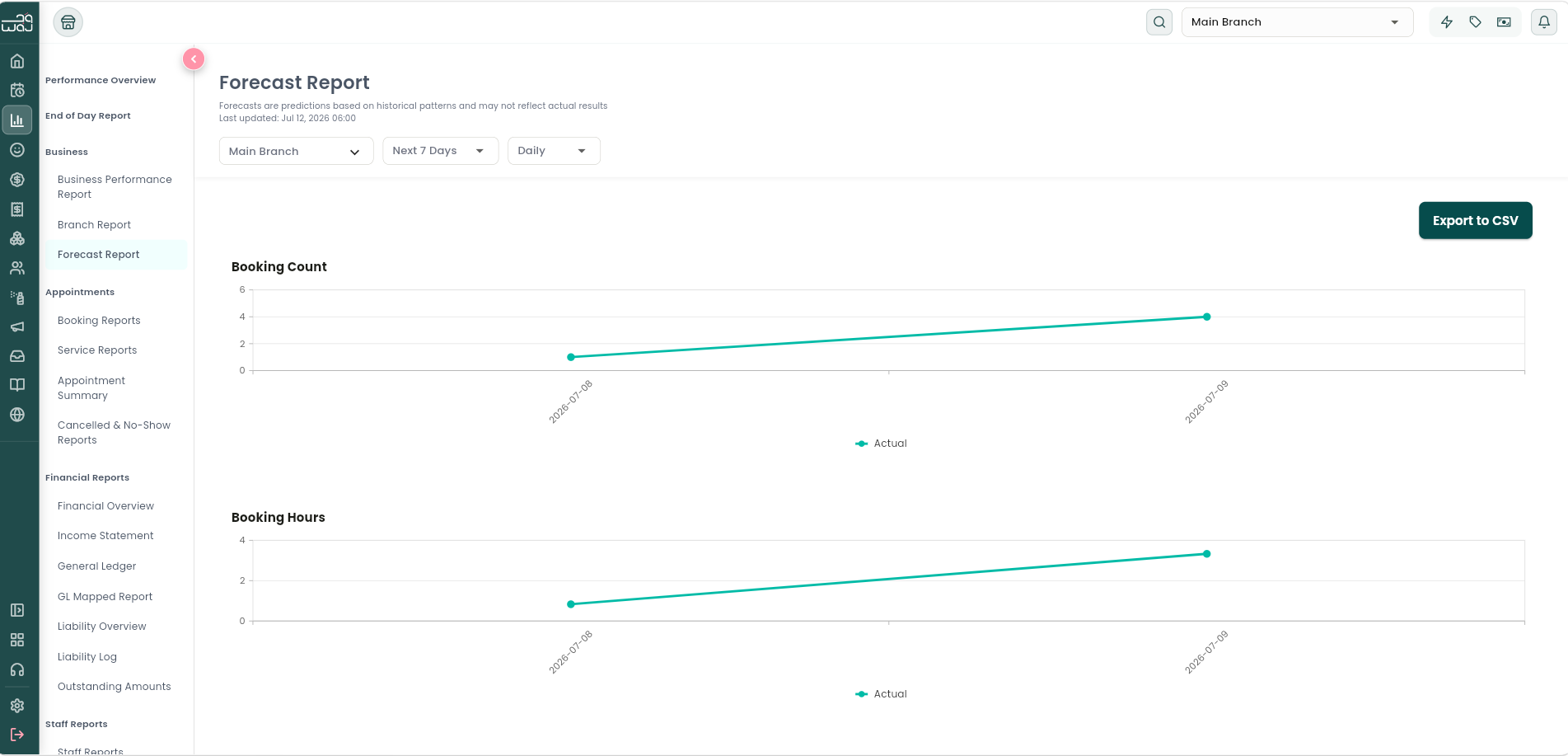
What it is: A forward-looking projection of expected business for a branch, rather than a look back at what already happened.
Navigation: Reports → Business → Forecast Report.
How to use it: Pick a branch, a forward-looking period (e.g. Next 7 Days), and a granularity (Daily), then review the forecast chart and the accompanying data table. You can export to CSV.
Notes & limitations
See the Sales Hierarchy topic for exactly how Gross Sales, Discounts, Net Sales, VAT, Tips, Other Income, and Gross Income are calculated — the same breakdown underlies the Business Performance Report and Branch Report. See the Reports Overview topic for why the New/Returning client counts here (transaction-based) differ from Performance Overview (registration-based) and the Clients Report (visit-based).
Follow WAJ on Google
Add WAJ as a preferred source to see more of our articles in your Google Search results, marked with a "preferred" badge.