
Branches and Multi-Location Setup
Overview
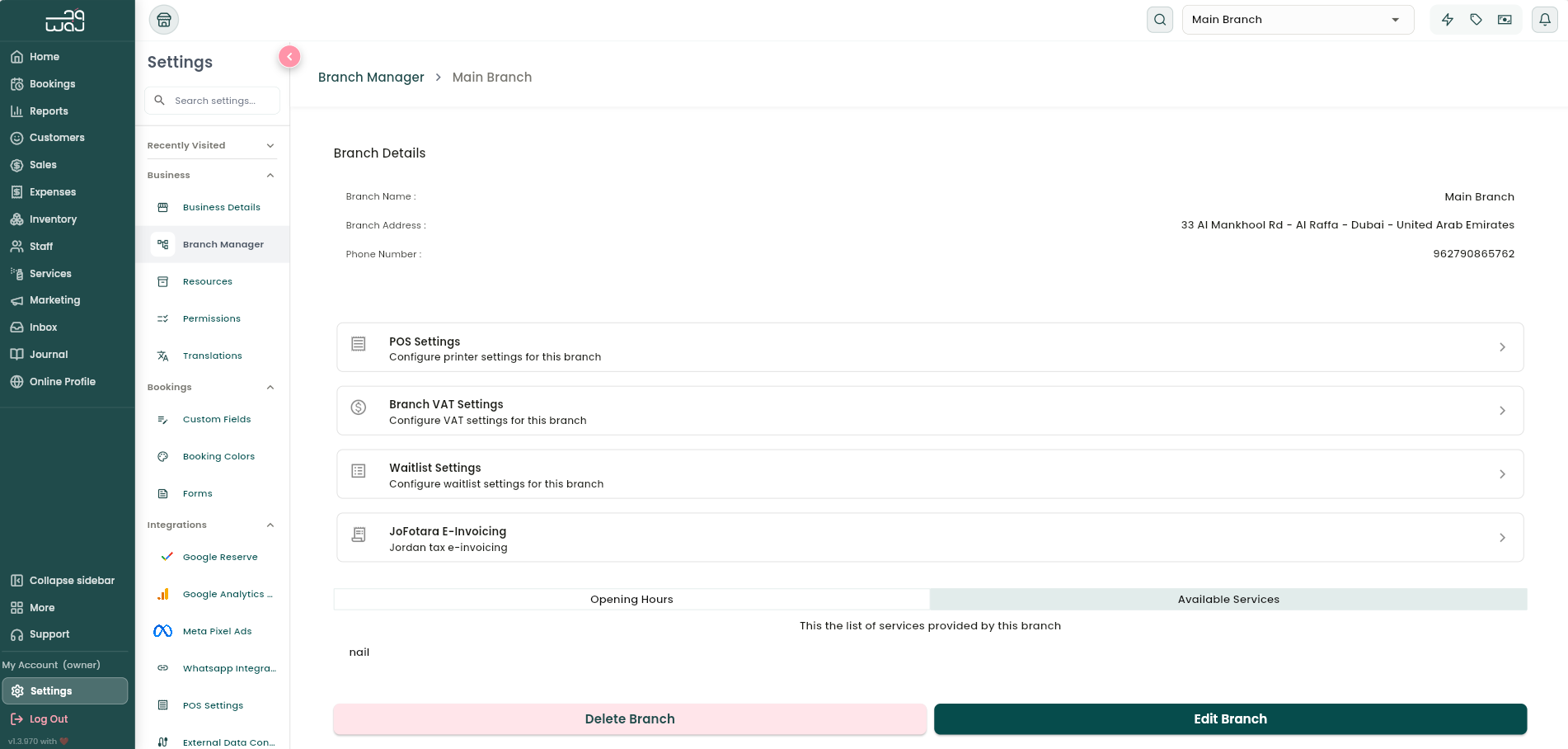
If you run more than one location, Branch Manager is where you manage each one, contact details, which services are offered, and location-specific settings. Branch Manager shows each branch as a card with its name and address.
Where to find it
Settings → Business branch → Branch Manager.
Adding or editing a branch
- Branch name (required).
- Address: tap to pick a location on the map, or type it in manually.
- Phone number.
- WhatsApp number, with an "Activate WhatsApp Business Profile link" checkbox so customers can message the branch directly from your online profile.
- Google Business Profile link: showcases your Google reviews on your online profile (there's an in-app guide showing you where to find this link).
Opening hours and which services are available at the branch are set from dedicated buttons on this same form, see Business Hours and Branch-Specific Settings.
Tap Save to create or update the branch. Delete Branch removes it entirely, with a confirmation. This is an owner-only action.
Notes & limitations
A staff member only sees and works at the branch(es) they've been assigned to. A separate "Access other branches" permission controls whether staff can browse branches outside their own assignment.
Follow WAJ on Google
Add WAJ as a preferred source to see more of our articles in your Google Search results, marked with a "preferred" badge.