
Staff Bonuses and Deductions
Overview
Bonuses and deductions are one-off adjustments to a staff member's pay. A bonus adds to their earnings; a deduction subtracts from them. Both feed directly into the Total Earnings calculation on the payroll dashboard.
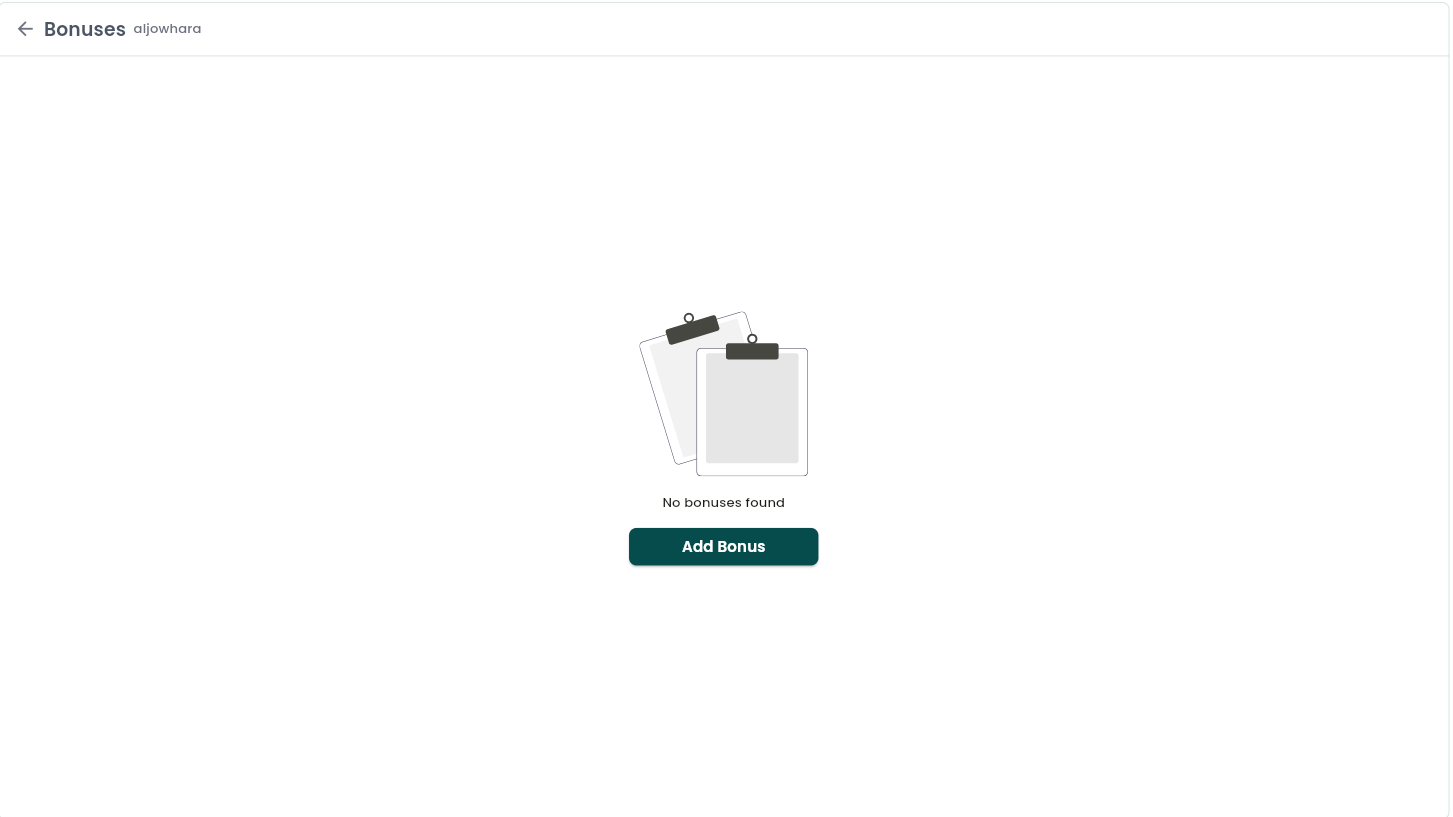
Bonuses
A one-off extra payment to a staff member outside their regular salary and commission — a spot bonus, a holiday bonus, a referral reward, and so on.
Where to find it: Staff → Payroll → Total Bonuses card, or from the staff profile.
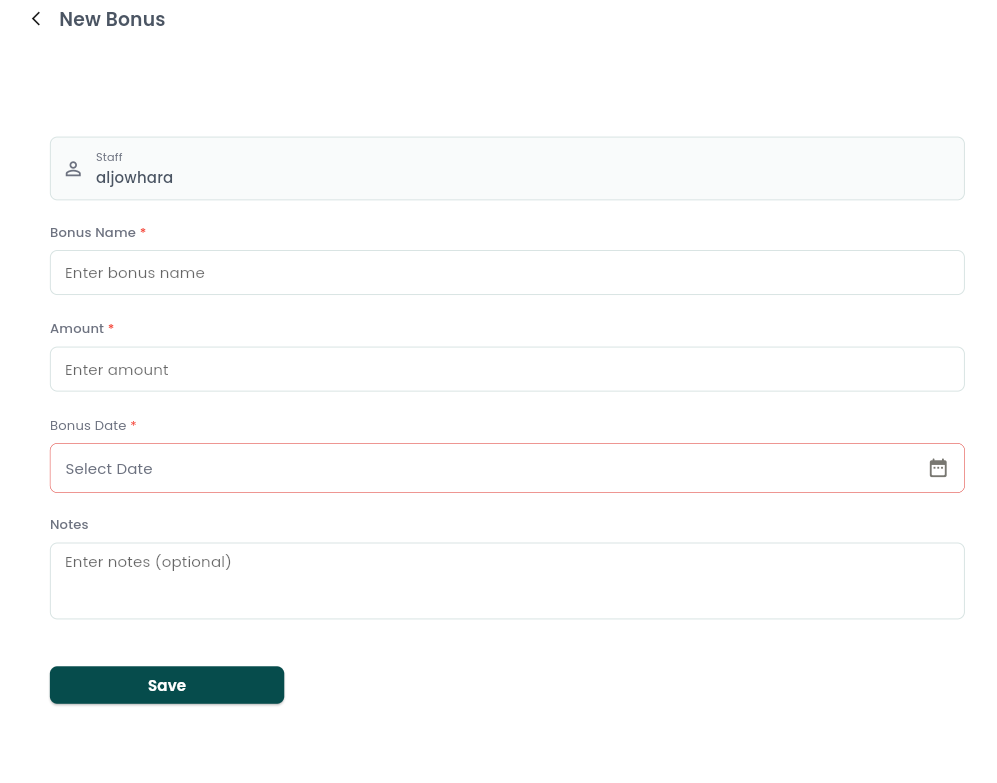
Add a bonus:
- Bonus name (required — e.g. "Ramadan bonus").
- Amount (required).
- Bonus date (required).
- Notes (optional).
Every bonus for the selected period adds straight into the staff member's Total Earnings. You can edit or delete a bonus later.
Deductions
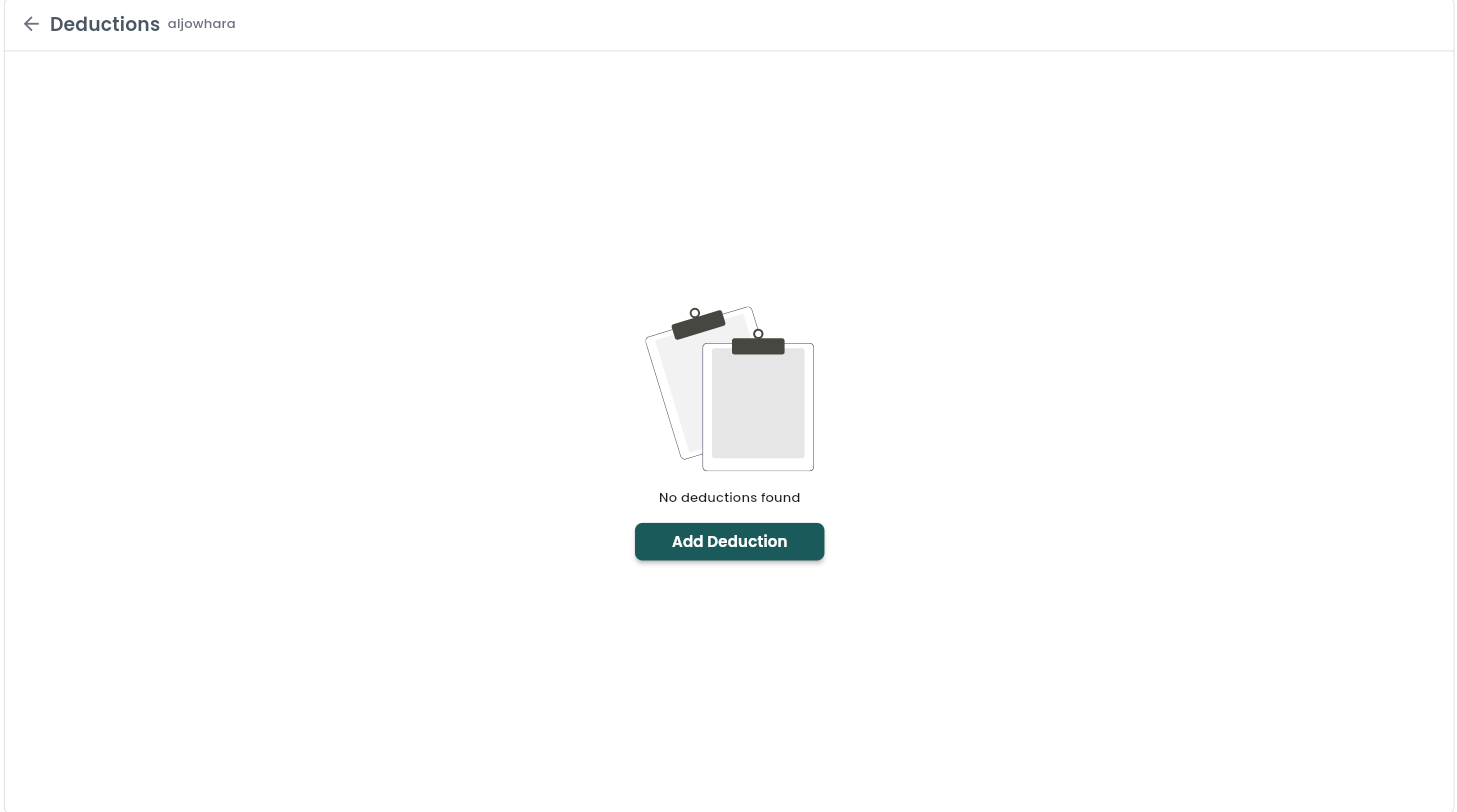
The mirror of Bonuses — a one-off amount subtracted from a staff member's earnings, such as a cash-register shortfall, a damaged-equipment charge, or an advance repayment.
Where to find it: Staff Payroll → Total Deductions card, or from the staff profile.
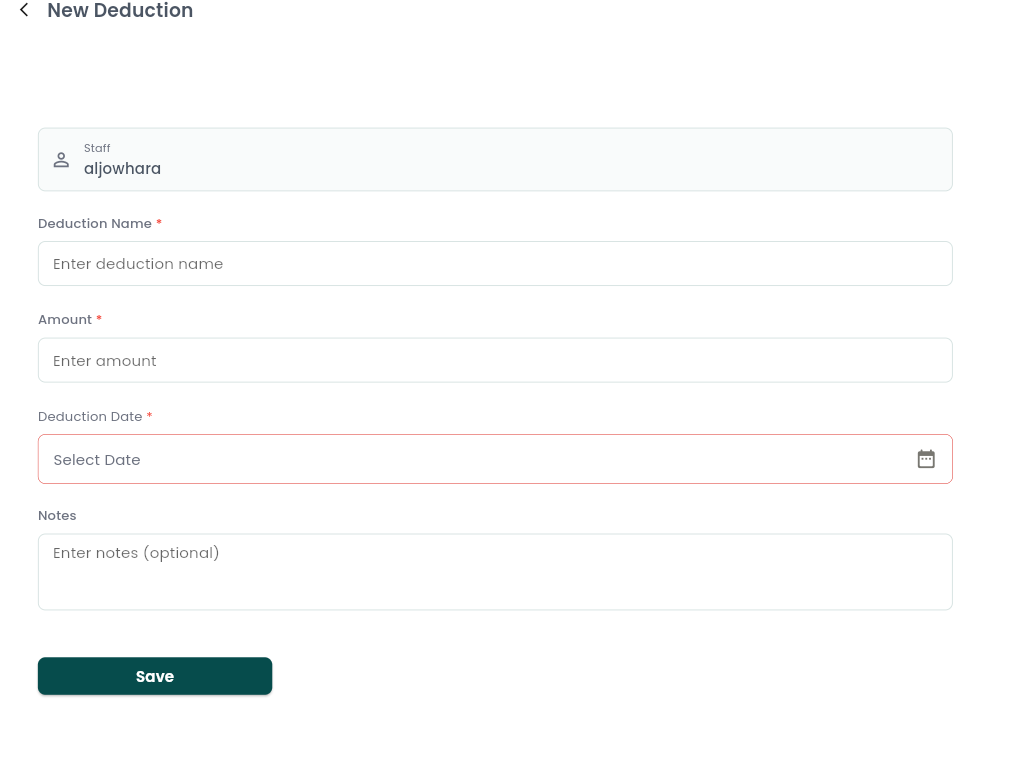
Add a deduction:
- Deduction name (required).
- Amount (required).
- Deduction date (required).
- Notes (optional).
Deductions subtract from Total Earnings for the period they fall in, and can be edited or deleted the same way as bonuses.
Notes & limitations
Bonus and deduction amounts must be greater than zero, and a date is required. Both appear in the payroll dashboard's Recent Activity, where each item can be deleted after confirmation. Managing them is permission controlled along with other payroll actions.
Follow WAJ on Google
Add WAJ as a preferred source to see more of our articles in your Google Search results, marked with a "preferred" badge.