
Unified Inbox
Overview
Inbox brings customer conversations from WhatsApp, Instagram, and Messenger into one place, so staff aren't juggling three separate apps to talk to clients and leads. It's just for chat — separate from in-app notifications. Inbox is found in the navigation rail on tablet or desktop, or under More on mobile. On a phone, it's a conversation list that opens into a full-screen thread, with contact details available as a bottom sheet; on a larger screen, three columns show side by side — conversation list, thread, and details — with dividers that can be dragged to resize.
Where to find Inbox
- Left sidebar (or the "More" menu on smaller screens) → Inbox.
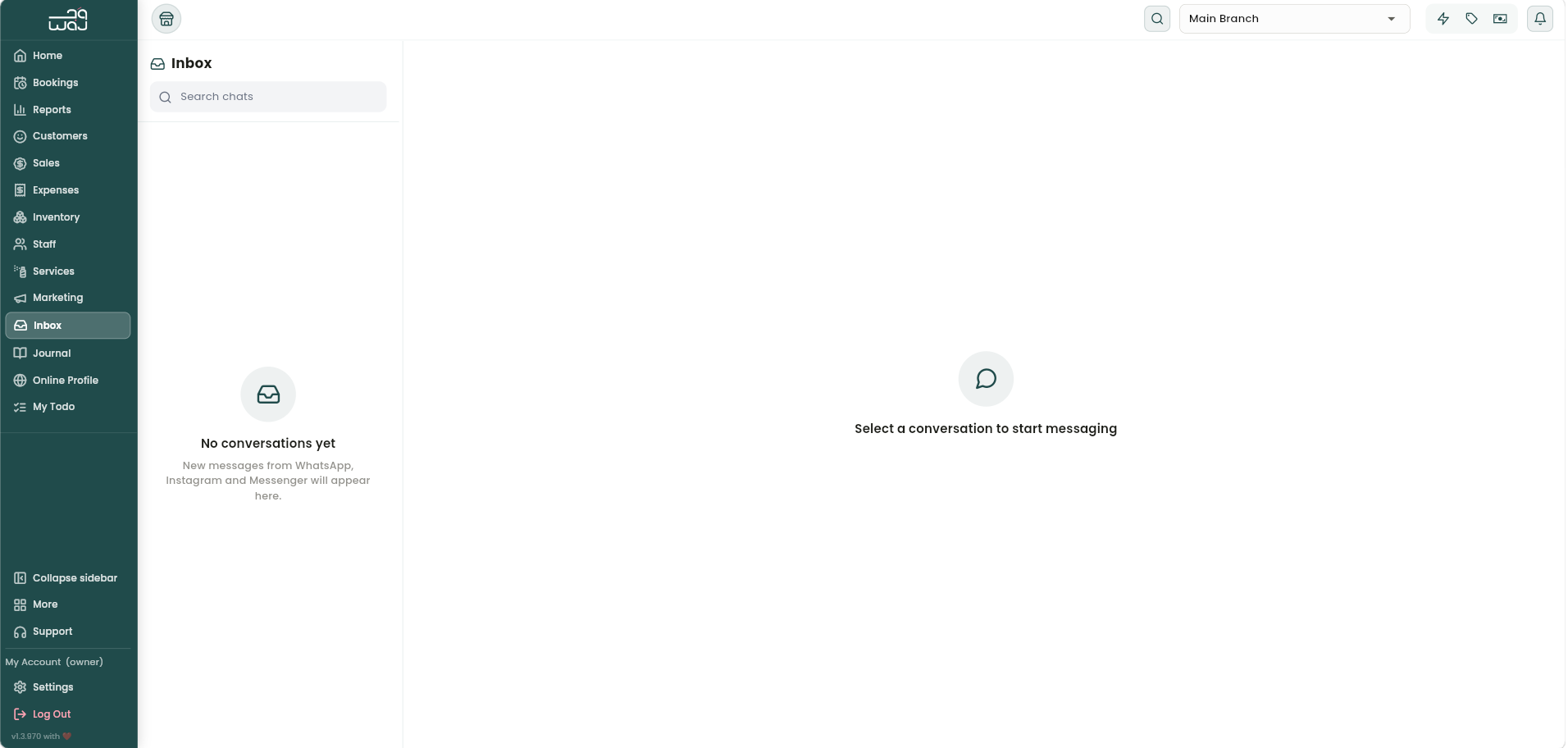
The conversation list
- Conversations can be searched by name, phone number, or message content with Search chats.
- If the business has WhatsApp connected, a Sync messages button pulls in historical WhatsApp conversations.
- Each row shows an avatar with a small channel icon, the contact's name (or "Unknown contact" if not linked to anyone in WAJ yet), a preview of the last message, a timestamp, and an unread indicator.
- Pull down to refresh, or scroll to load more conversations. Opening a conversation automatically marks it as read.
- If there are no conversations yet, a message explains that new messages from WhatsApp, Instagram, and Messenger will appear here as they come in.
Chatting in a thread
Each thread's header shows who the conversation is with and which channel it's on. Messages arrive in real time, and replies are sent from the composer at the bottom.
The WhatsApp 24-hour rule
WhatsApp only allows businesses to send free-form replies within 24 hours of the customer's last message. This is a WhatsApp platform policy that applies across all businesses:
- While the window is open, a green "Session active" indicator counts down the time left, and any message can be typed and sent.
- Once 24 hours pass without a new message from the customer, the composer locks and shows "24-hour reply window closed" — only an approved template can be sent until the customer messages again.
Instagram and Messenger conversations don't have this restriction — replies can always be sent free-form on those channels.
Sending a template
When the window is closed, tapping Choose a template opens the template picker: pick the template, fill in any variable fields (like the customer's name or a date), and tap Send template. If the business hasn't set up any approved WhatsApp templates yet, a note points to Marketing → Templates to create one.
Conversation details and linking
The details panel shows more about who's being messaged. For WhatsApp, it shows a copyable phone number. If the conversation isn't linked to anyone in WAJ yet, it can be linked with Link to customer or Link to lead. Once linked, the full customer profile (overview, balance, loyalty points, bookings) or the lead's summary is shown, with quick actions to open the lead or convert them into a customer.
Notes & limitations
Messages show delivery status as they move through sending, sent, delivered, and read (or failed, or expired if the reply window closed before it could send). Conversations can be marked open, snoozed, or archived to stay organized. The 24-hour reply window applies only to WhatsApp, not Instagram or Messenger.
Follow WAJ on Google
Add WAJ as a preferred source to see more of our articles in your Google Search results, marked with a "preferred" badge.