Payment Features
The Payment features in WAJ allow you to manage how your business accepts payments, how staff are compensated, and how invoices are generated and tracked.
Select a topic from the sidebar to get started.
Term | Definition
Payment Gateway | Third-party service that processes digital payments (Zina, Thawani, Telr)
VAT | Value Added Tax - a consumption tax added to goods and services
Commission | Percentage of a booking's value paid to staff
Line Item | Individual entry on an invoice (service, product, etc.)
Soft Delete | Marking a record as inactive without removing it from the database
Voucher | Reference to the transaction that generated an invoice (booking, sale order)
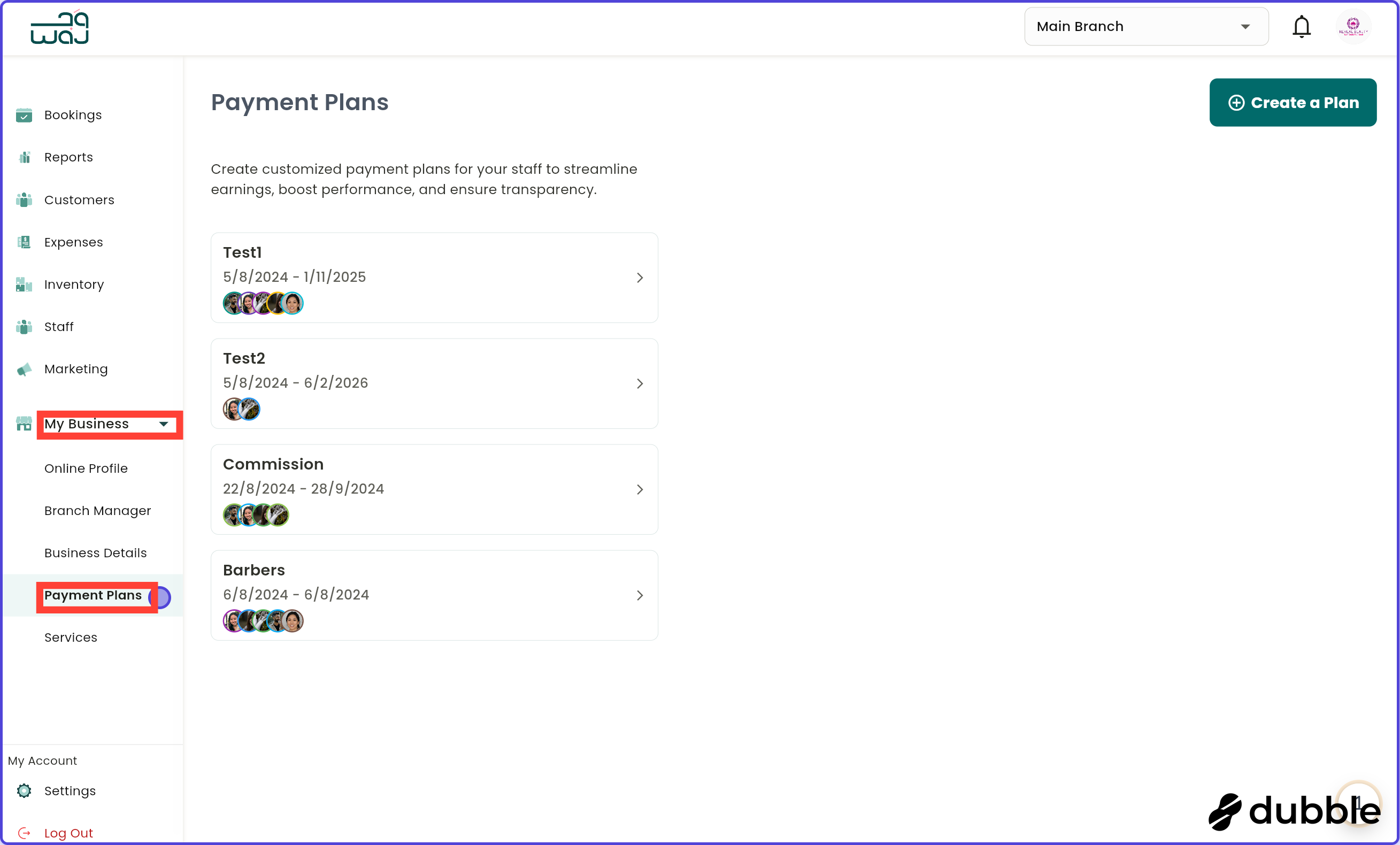
Add New Payment Plan


Adding payment plans allows management to set up various payment structures, giving each staff member the option to earn through different types of incentives, commissions, or bonuses. This feature is ideal for businesses with diverse service offerings and staff roles, as it allows for flexible, performance-driven compensation that suits each employee’s skills and responsibilities.
For example, a stylist could be placed on both a commission-based plan for each service performed and a separate product sales bonus, encouraging both quality service and retail engagement. Receptionists might have a base salary combined with an incentive for booking new clients, while senior staff could receive leadership bonuses. By adding multiple payment plans, businesses can support staff in maximizing their earnings, increase motivation, and build a rewarding work environment where everyone is recognized for their contributions in multiple ways.
1. Click on "Create a Plan"Click on create a plan to start creating a new payment plan.
2. Type in the plan nameType in the name of the new payment plan and click on "Save".
3. Payment plan detailsFill in the payment plan details by selecting the payment subtype, the amount, the staff it's assigned to, the start date, and the end date. then click on "Create a Plan" to save the new payment plan.
Manage Payment Plan



This allows management to oversee, adjust, and update the existing payment structures for each employee, ensuring they align with individual performance and business objectives. This is essential for businesses that want to adapt to changing goals, staff roles, or service demands, providing flexibility in compensation.
For example, if a stylist is promoted or takes on additional responsibilities, management can adjust their payment plan to include a higher commission rate or add new incentives for leadership. By providing tools to manage and modify staff payment plans, businesses can foster a fair, growth-oriented workplace where compensation evolves alongside each employee’s contribution and career path.
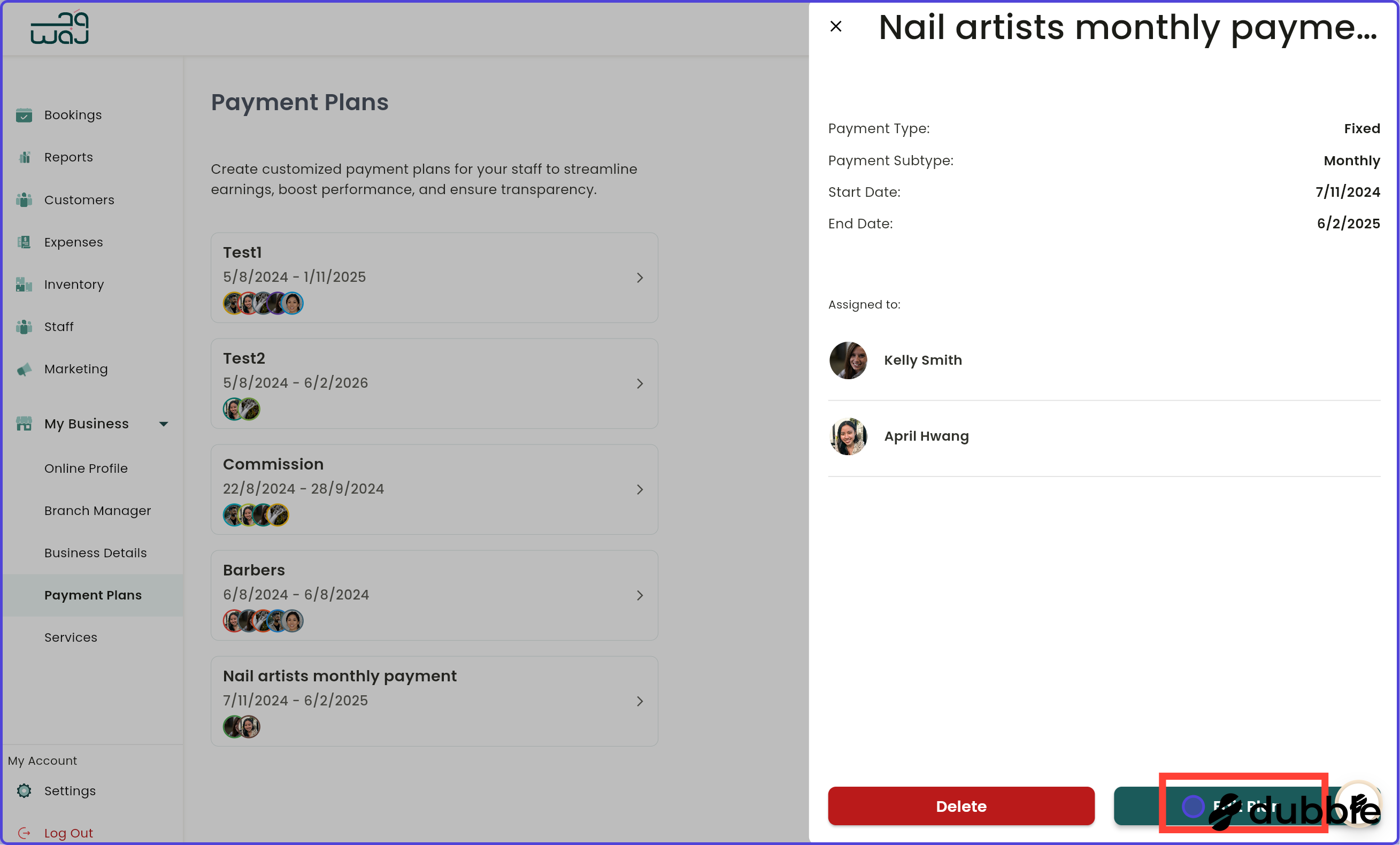
1. Click a payment planClick on the payment plan to change its details.
2. Edit payment planClick on "Edit plan" to edit the payment plan.
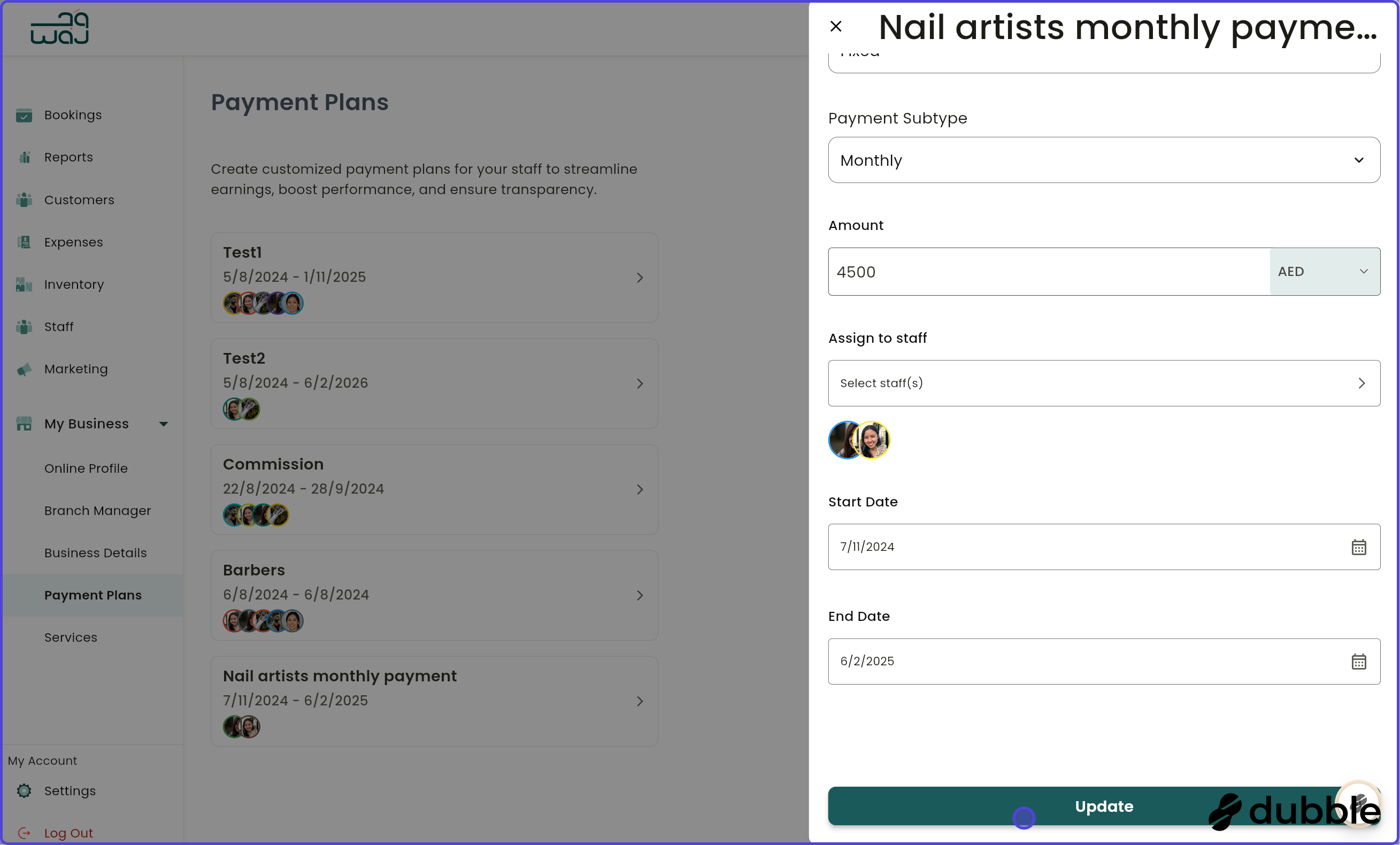
3. Update payment planAny of the payment plan details can be edited. Click on "Update" once done editing.
4. Select staffSelect with staff in the payment plan the update applies to, then click on "Save".
5. Delete payment planClick on "Delete" to delete the payment plan.