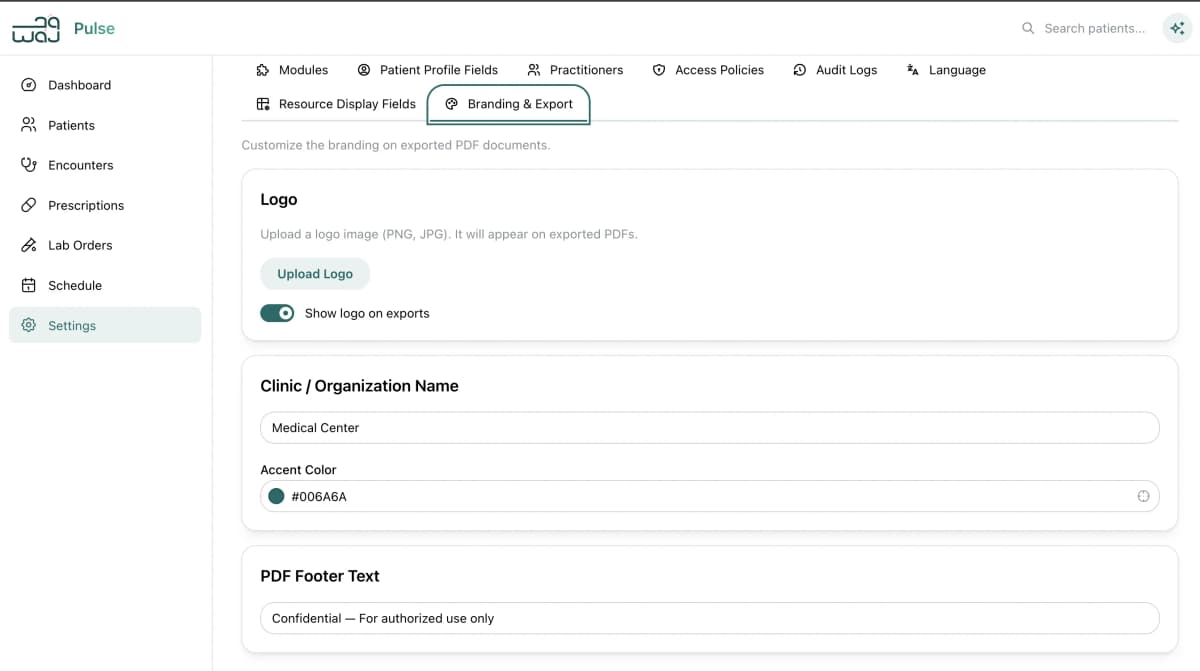
WAJ Integration
Seamless connection with your WAJ platform. Bookings, client data, staff profiles, forms, inventory, and appointment statuses all sync automatically — no double entry, no missed updates.
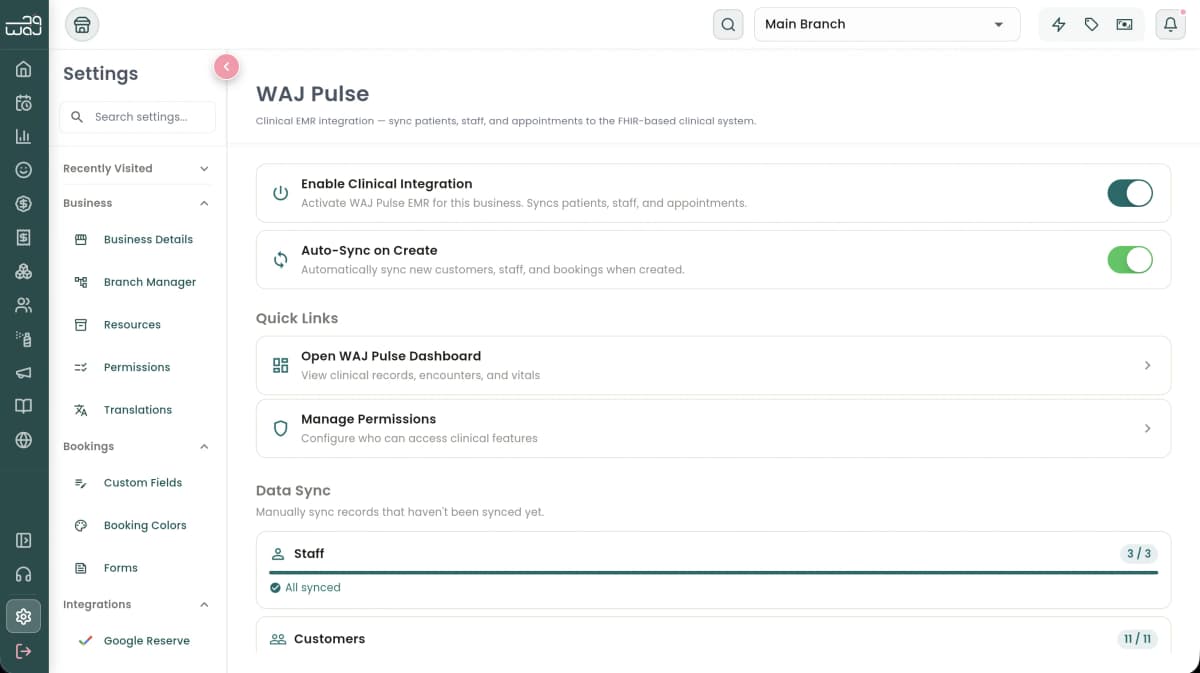
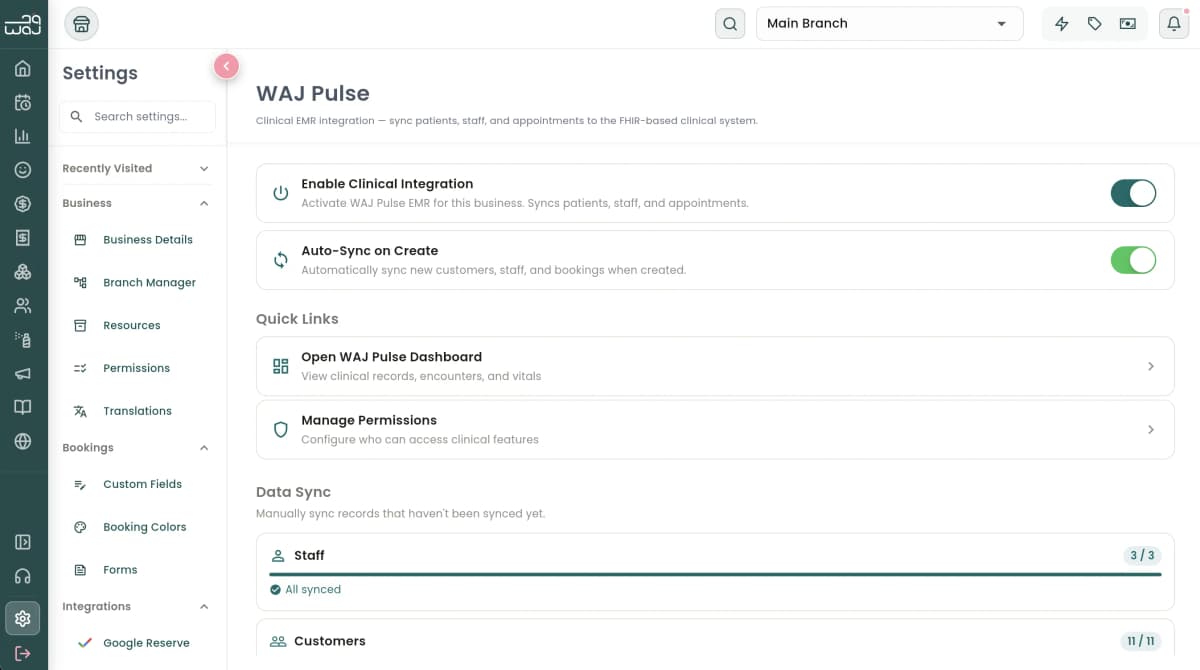
Automatic Data Sync
When a client is created in WAJ, a patient record is automatically created in your clinical system. Bookings become appointments and visit records. Staff members become practitioner profiles. Everything stays in sync without manual entry.
Allergy updates made in WAJ sync automatically — new allergies are added, removed allergies are marked as resolved (preserving history), and previously resolved allergies can be reactivated.
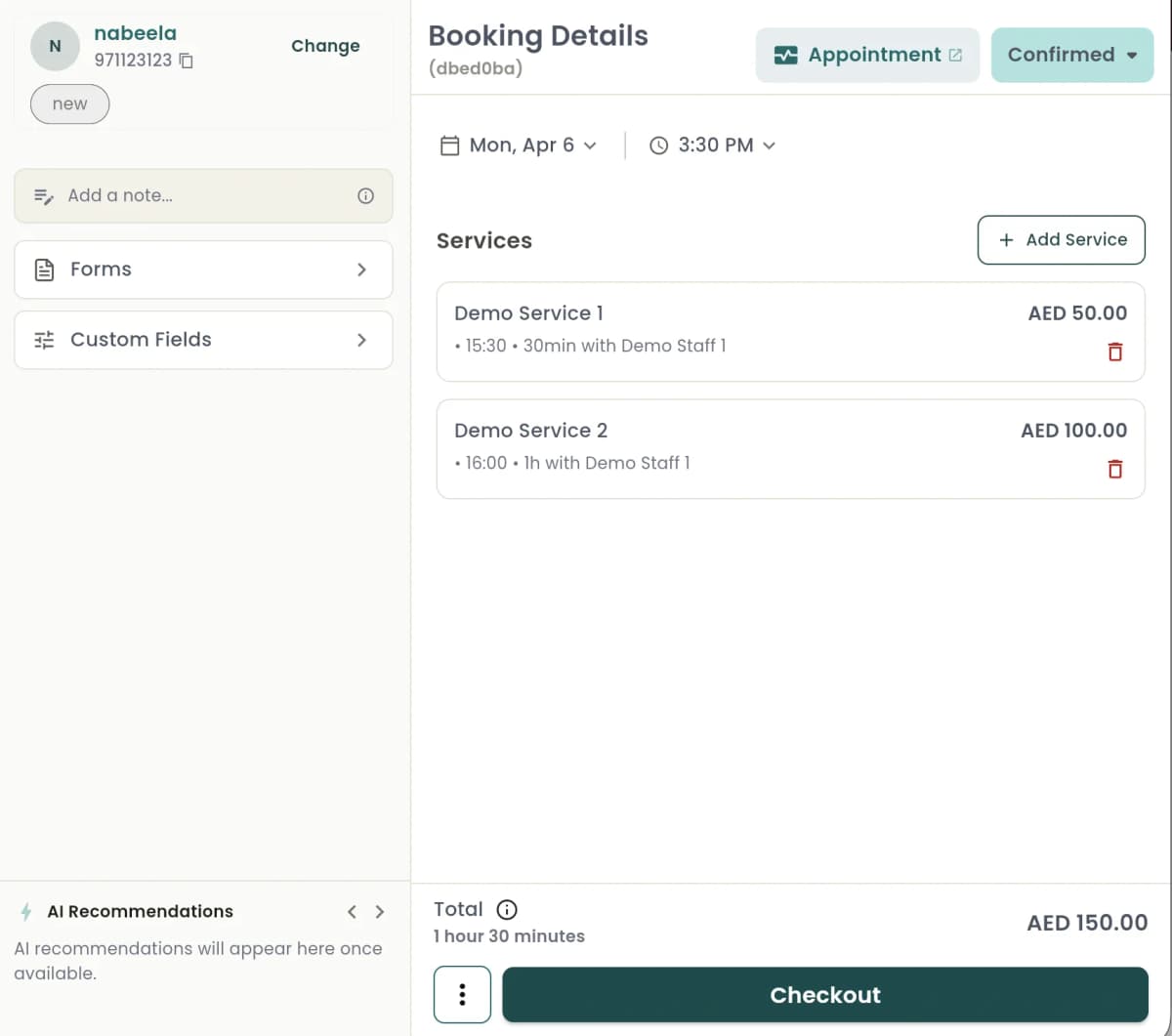
Booking & Status Sync
Booking status changes in WAJ automatically update your clinical records: confirmed, in-progress, checked-out, and no-show. Each booking creates both an appointment and a companion visit record linking the patient, provider, and service.
Your clinical schedule always reflects the operational reality — no manual status updates needed.
Forms & Questionnaires
Patient intake forms and questionnaires from WAJ sync with clinical records, pre-populating patient profiles and capturing important clinical information before the visit even starts.
Inventory & Supplies
Track medical supplies, pharmaceuticals, and consumables. Your WAJ inventory data connects to your clinical workflow, so you always know what's in stock when planning procedures.