
Manage Multiple Locations in One Place
Run your business empire from a single dashboard. Add, edit, and oversee all your locations without switching between accounts.
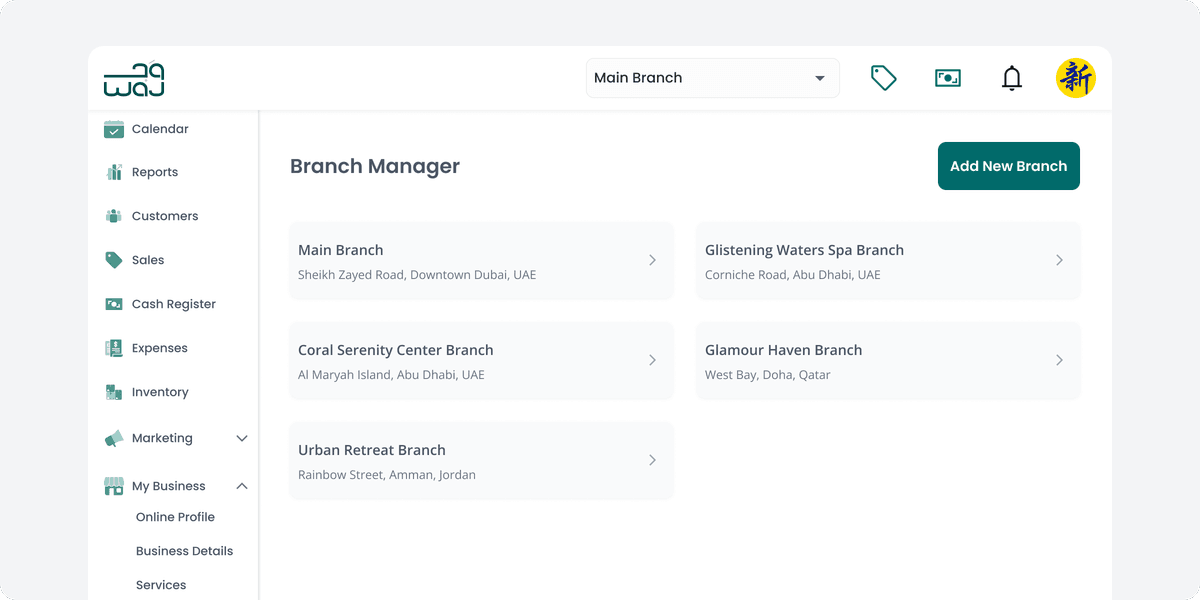
Multi-Branch Management Features
Branch-Specific Settings
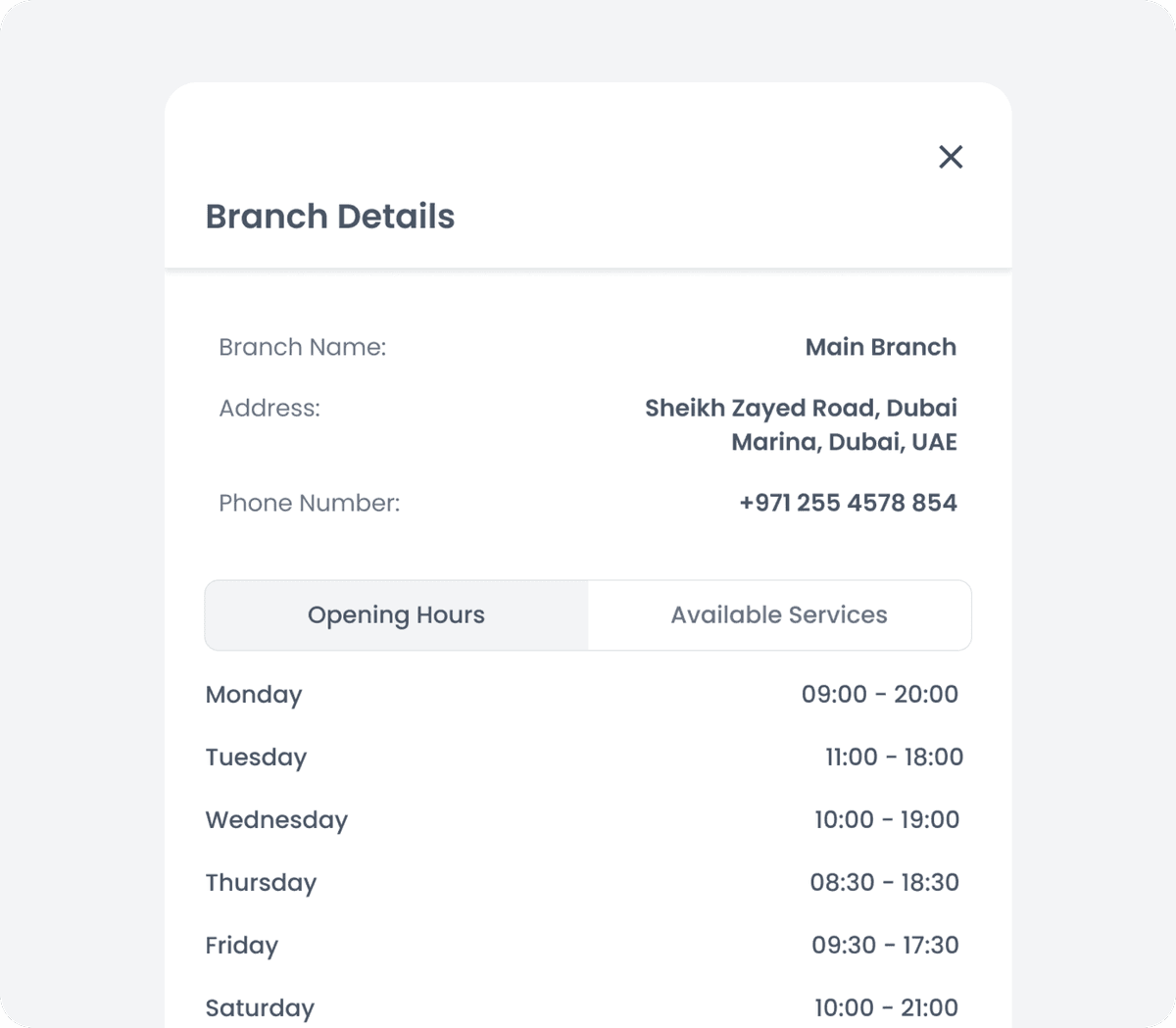
Customize each location with unique service offerings, operating hours, and contact information while maintaining brand consistency.
Set individual branch details including address, phone number, and operating hours for each location.
Unified Customer Experience
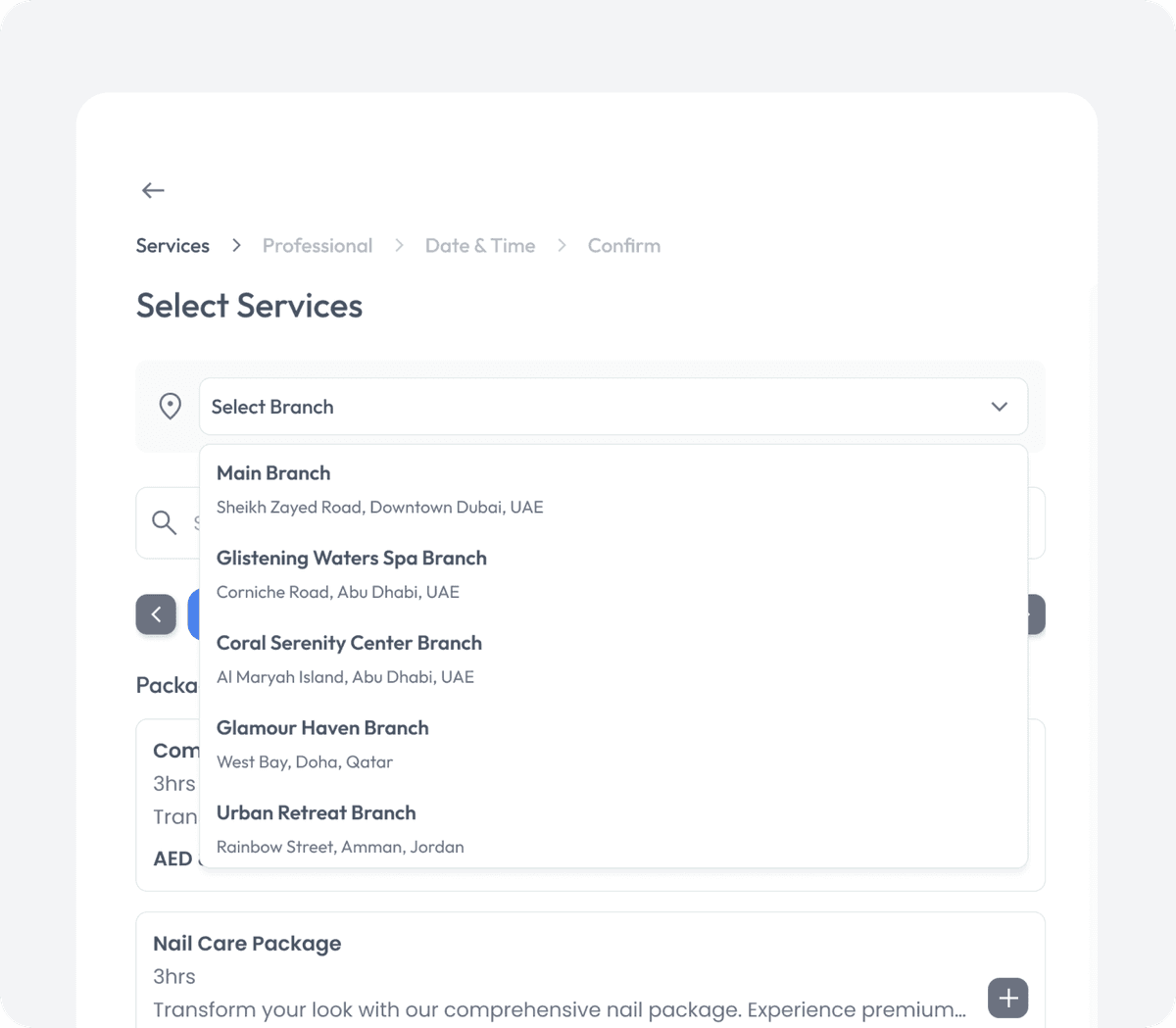
Let clients book appointments at any of your locations through the same booking portal, creating a seamless experience across your brand.
Allow customers to select their preferred branch when making appointments.
Centralized Inventory Control
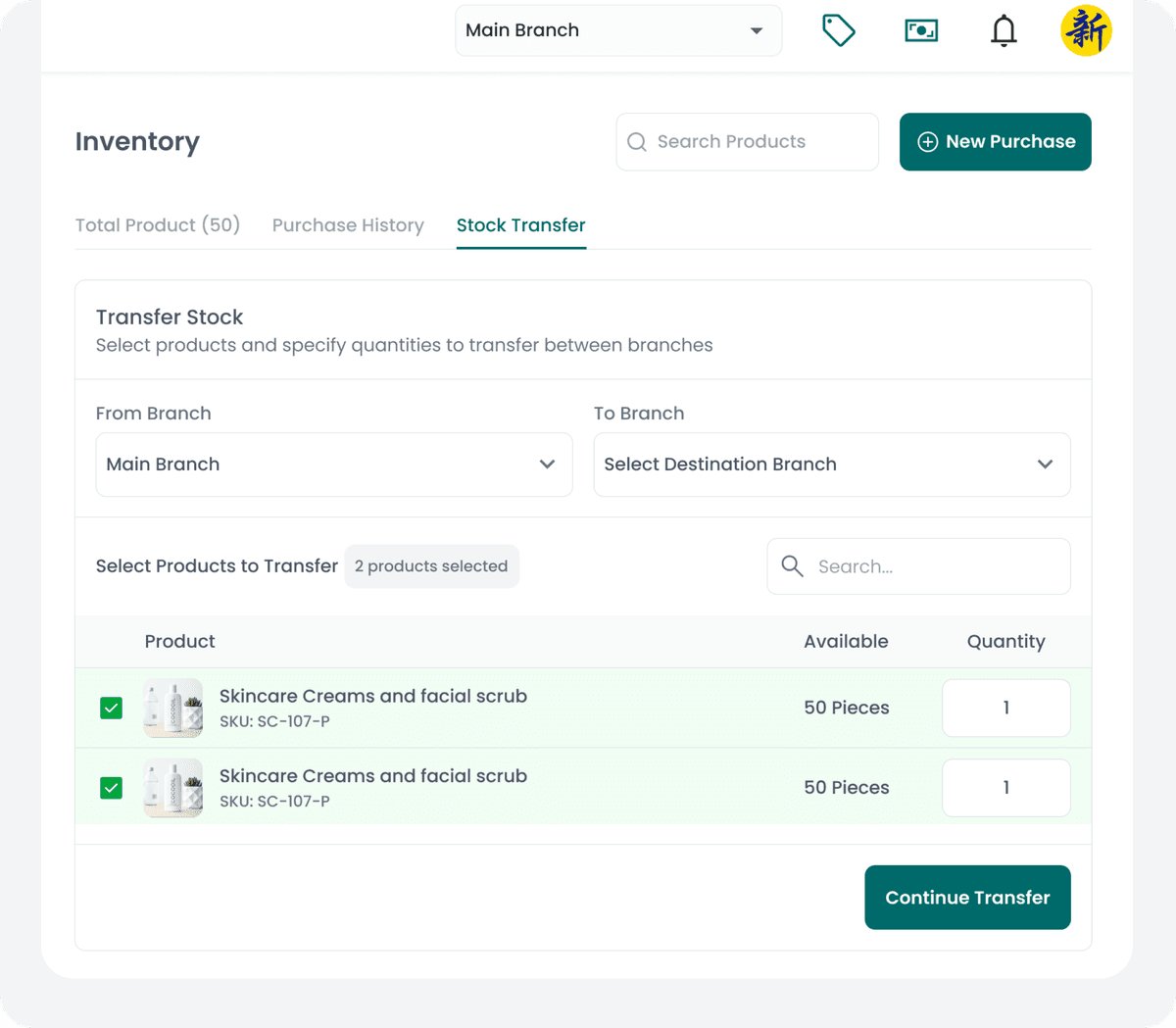
Track product inventory across all locations in real time and also transfer stock between branches to prevent stockouts and reduce overstock costs.
Manage product quantities across multiple branches from a single interface.
Часто задаваемые вопросы
Can I manage multiple salon branches in one software?+
How to compare performance across salon branches?+
Can I transfer staff between salon locations?+
Does each branch have separate settings?+
How to view overall business performance across branches?+
Calendar & Bookings
Staff Management
Customer Management
Online Bookings
Reports & Analytics
AI Assistant
Website Builder
Cash Register
Mobile Apps
Payments
Calendar & Bookings
Staff Management
Customer Management
Online Bookings
Reports & Analytics
AI Assistant
Website Builder
Cash Register
Mobile Apps
Payments
Customer Forms
Memberships
Client Portal
Inventory
Expenses
Sales
Payroll & Commissions
Multilingual Support
Offers & Packages
WhatsApp Automation
Referral Program
Rewards Program
Gift Cards
Начните расти сегодня
500+ салонов уже растут вместе с нами
14 дней бесплатно • Карта не требуется • Отмена в любое время