التكامل مع وَجْ

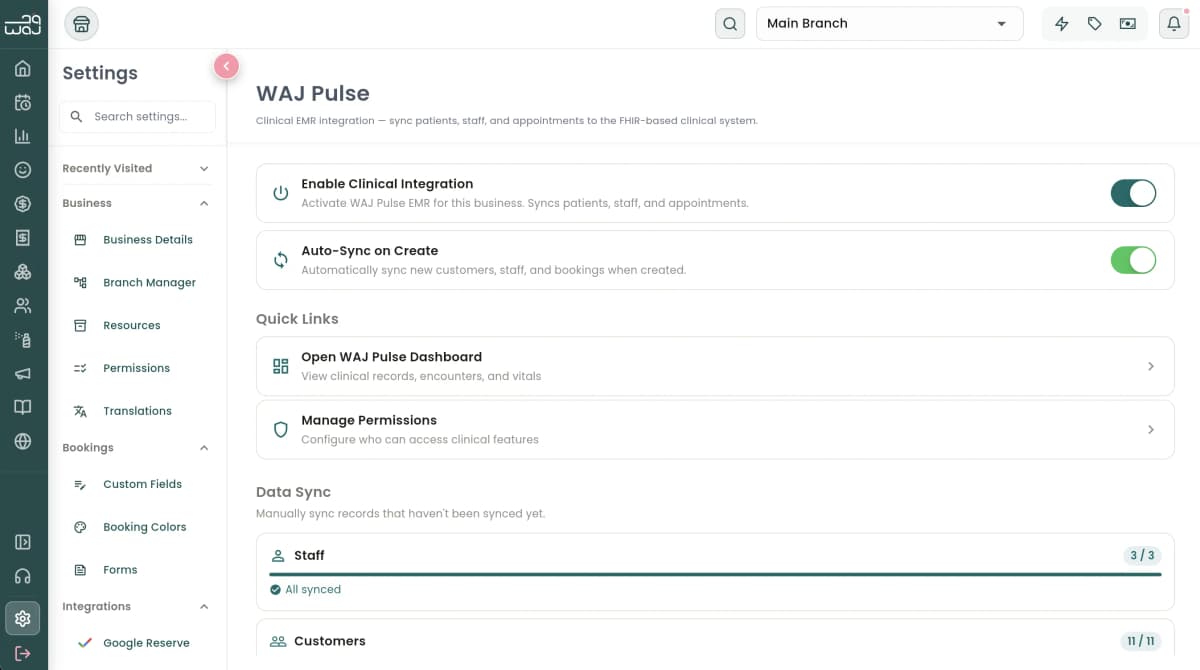
اتصال سلس مع منصة وَجْ. الحجوزات، بيانات العملاء، ملفات الموظفين، النماذج، المخزون، وحالات المواعيد تتزامن تلقائياً — بدون إدخال مزدوج وبدون تحديثات مفقودة.
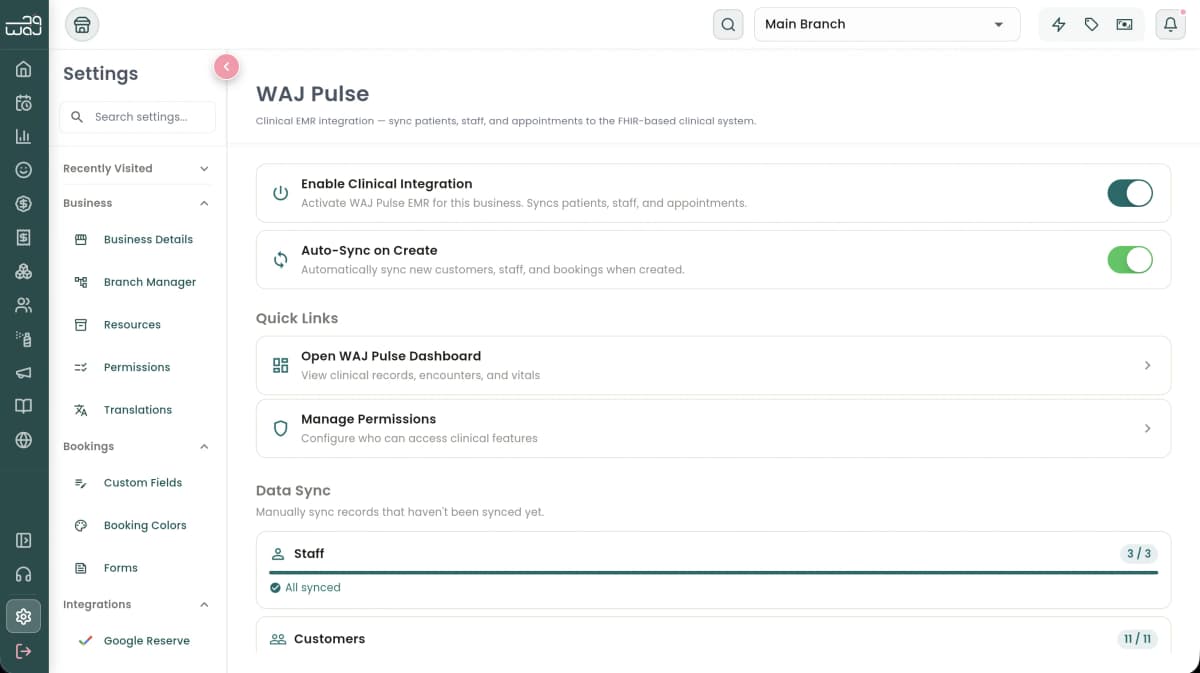
التكامل مع وَجْ Screenshot

Replace with actual product screenshot

Automatic Data Sync

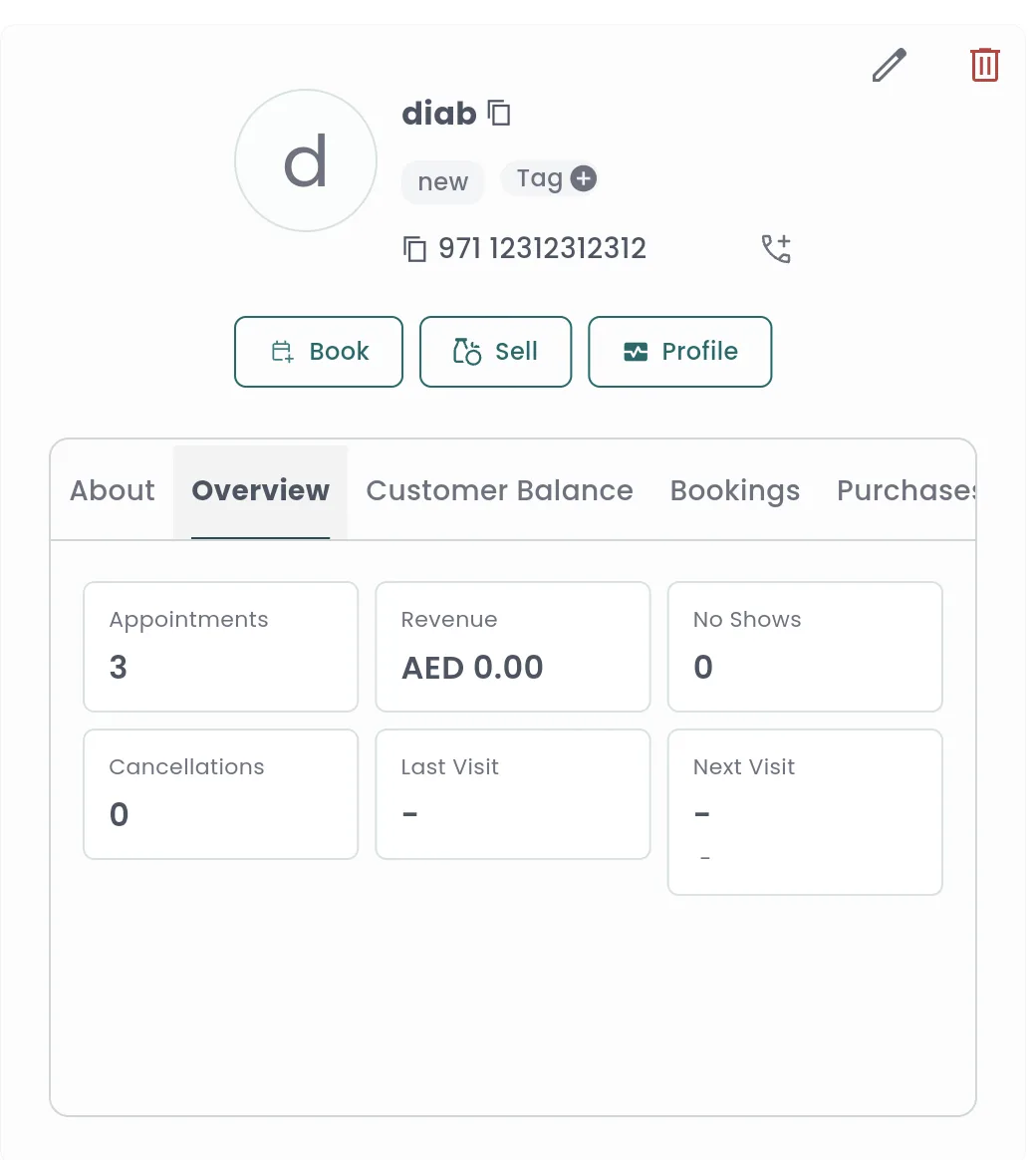
When a client is created in WAJ, a patient record is automatically created in your clinical system. Bookings become appointments and visit records. Staff members become practitioner profiles. Everything stays in sync without manual entry.

Allergy updates made in WAJ sync automatically — new allergies are added, removed allergies are marked as resolved (preserving history), and previously resolved allergies can be reactivated.

Screenshot placeholder

Booking & Status Sync

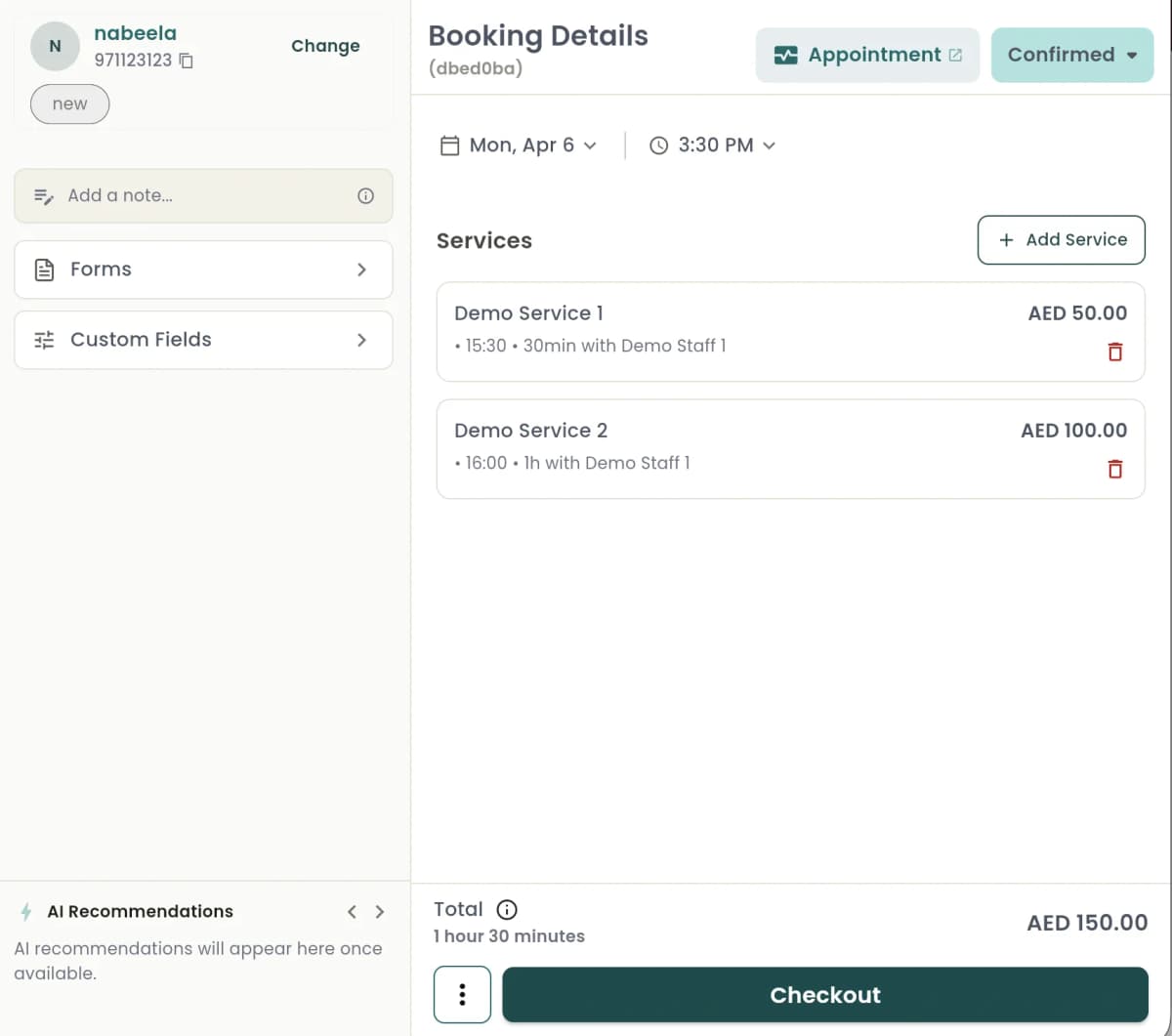
Booking status changes in WAJ automatically update your clinical records: confirmed, in-progress, checked-out, and no-show. Each booking creates both an appointment and a companion visit record linking the patient, provider, and service.

Your clinical schedule always reflects the operational reality — no manual status updates needed.

Forms & Questionnaires

Patient intake forms and questionnaires from WAJ sync with clinical records, pre-populating patient profiles and capturing important clinical information before the visit even starts.

Screenshot placeholder

Inventory & Supplies

Track medical supplies, pharmaceuticals, and consumables. Your WAJ inventory data connects to your clinical workflow, so you always know what's in stock when planning procedures.

الأسئلة الشائعة

What data syncs automatically from WAJ?+
Clients become patients, bookings become appointments and visit records, staff become practitioner profiles, booking status changes update automatically, allergy changes sync in both directions, and forms pre-populate patient records.
Is the sync real-time?+
Yes. Sync is triggered automatically whenever changes happen. There is no batch delay — changes propagate in real time.
What happens if a sync fails?+
All sync operations are designed to be safe to retry — they check for existing records before creating new ones. If a sync fails, it can be retried without creating duplicates.
Do I need to enter data twice?+
No. Data entered in WAJ (clients, bookings, staff, forms) automatically appears in your clinical system. You only enter clinical-specific data (vitals, notes, diagnoses) in WAJ Nabd.